Erin Pugh
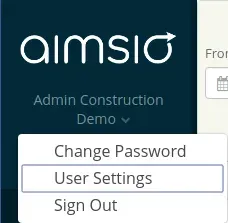
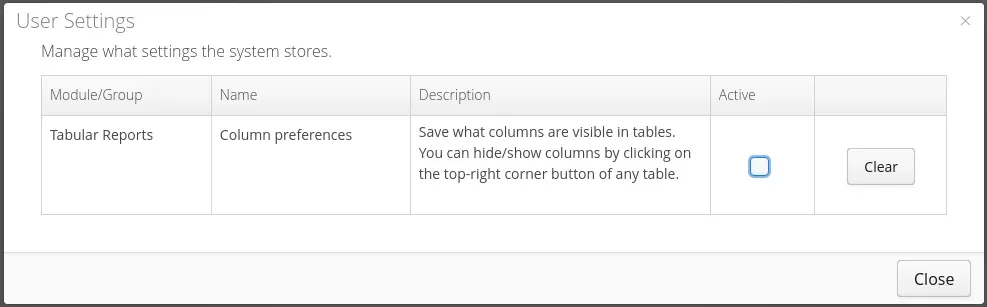
The ability to set (and keep) user preferences in reports.
This will save you time. Before this feature was introduced, you could only set your preferences for your current session. If you logged out, your preferences weren’t remembered.
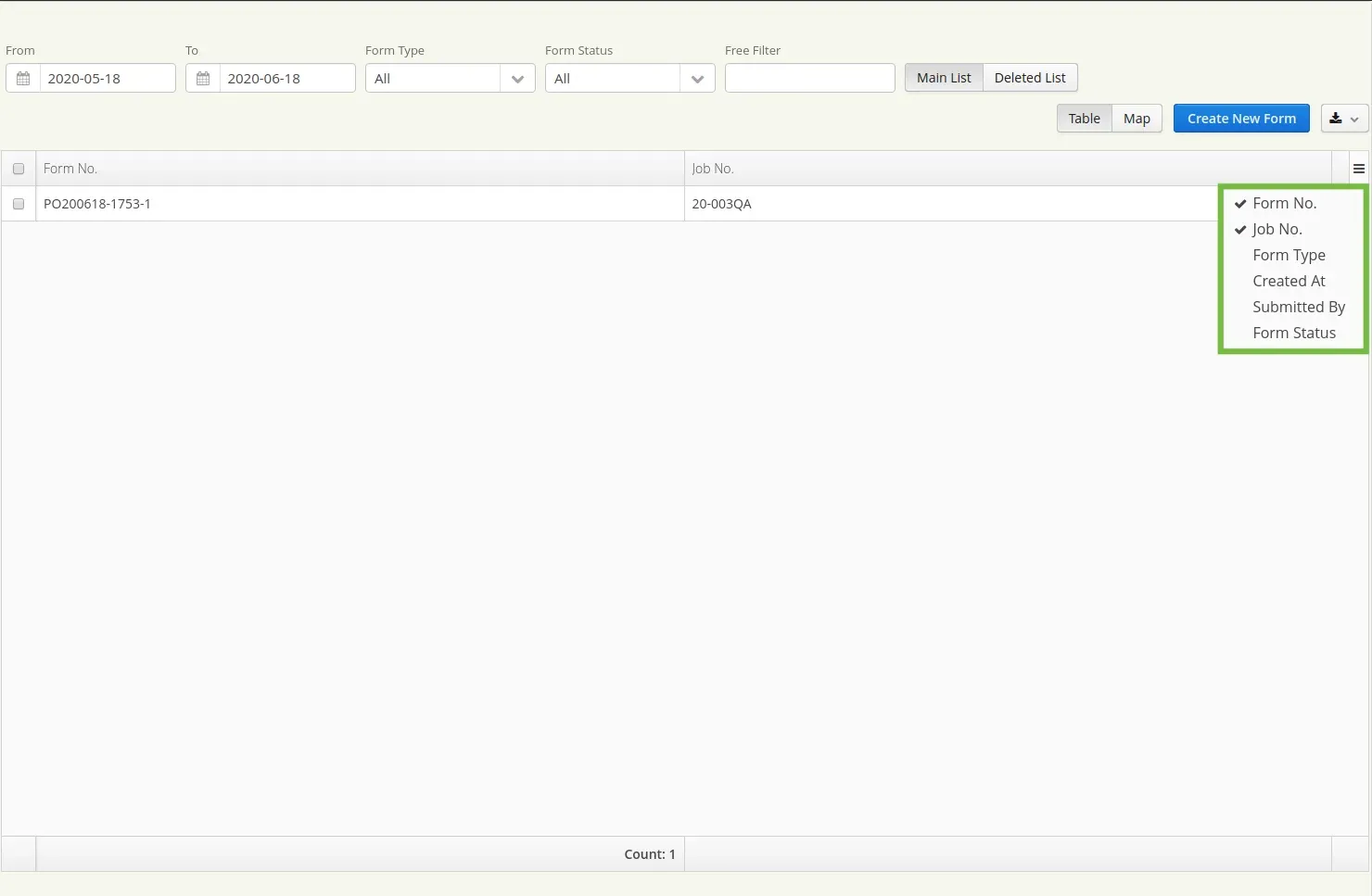
- Find the reports you would like to customize your view for. Navigate to the three horizontal bars in the top right hand corner. Select the columns you would like to see in your view.
This feature was included in release 20.13, available on July 2, 2020.