Timesheet Payroll Automation
From timesheet to payroll. No re-entry.
Manual payroll calculations from paper timesheets are slow and error-prone. Aimsio auto-calculates overtime, shift differentials, and exports payroll-ready data to your system.
Before & After
What changes when you switch to Aimsio
Without payroll automation
- Overtime calculated manually in spreadsheets - payroll staff reference different rule documents and make calculation errors that result in under- or overpayment.
- Pay rule errors cause disputes and corrections - incorrect overtime or differential calculations trigger employee complaints and costly reprocessing.
- Payroll takes days to process - manually gathering approved timesheets, running calculations, and reformatting data for export consumes the payroll team's entire week.
- Data must be reformatted for each system - exporting to ADP, Sage, or your ERP means manually restructuring data every pay cycle.
With Aimsio Payroll Automation
- Overtime calculated correctly on every cycle - Labour rules applied automatically, no manual lookups or formulas.
- Accurate pay for every crew member, every period - The math is done for you, based on the rules you define.
- Payroll processed in minutes, not days - From approved timesheets to export-ready data in a fraction of the time.
- Direct export to ADP, Sage, and more - Payroll data formatted for your system, no reformatting needed.
Core Capabilities
Everything you need to automate payroll
Define pay rules once - Aimsio handles every calculation and exports a clean payroll file.
Overtime Calculation
Aimsio automatically applies your overtime thresholds to approved timesheet hours. daily, weekly, or per shift - without anyone touching a spreadsheet.
Double Time Rules
Configure double time thresholds per employee type, job, or province. Rules trigger automatically when hours exceed your defined limits.
Shift Differentials
Apply shift differential rates for nights, weekends, and statutory holidays. Differentials are calculated automatically from timesheet shift data.
Payroll Export
Export payroll-ready files formatted for ADP, Sage, or your ERP. No reformatting, no copy-paste. just a clean file ready to upload to your payroll system.
Multi-Province Rules
Support labour rules across multiple provinces and states. Employee-type and jurisdiction-specific rules are applied independently per timesheet.
Exception Flagging
Timesheets that fall outside standard pay rules are flagged automatically for payroll review. exceptions get caught before they become payroll errors.
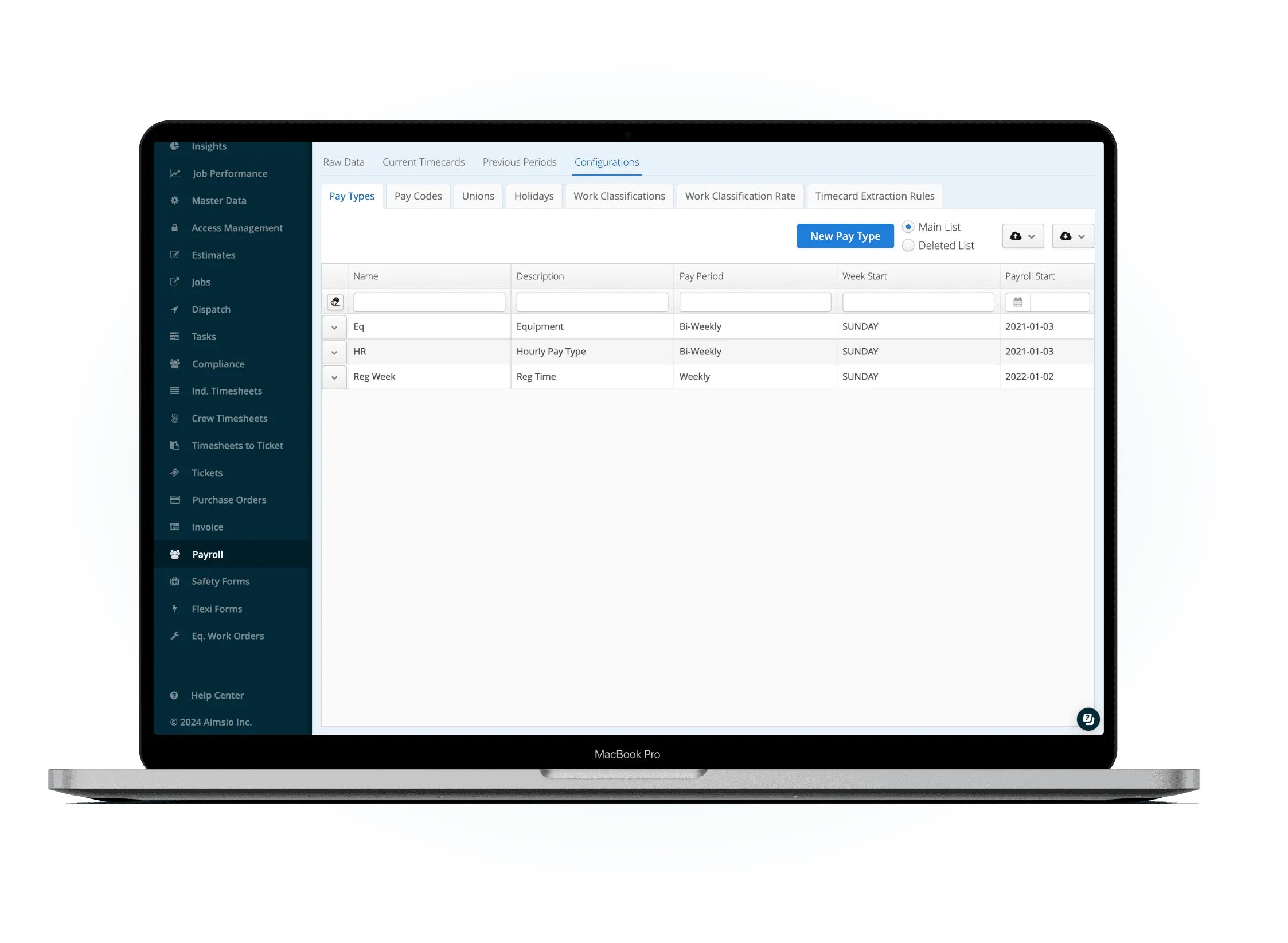
Define pay rules per employee type
Configure overtime thresholds, double time triggers, shift differentials, and statutory holiday rules for each employee class and jurisdiction. Set up once - Aimsio applies them to every timesheet going forward.
- Employee-type and province-specific rules
- Overtime, double time, and differential support
- One-time setup, applied automatically every cycle
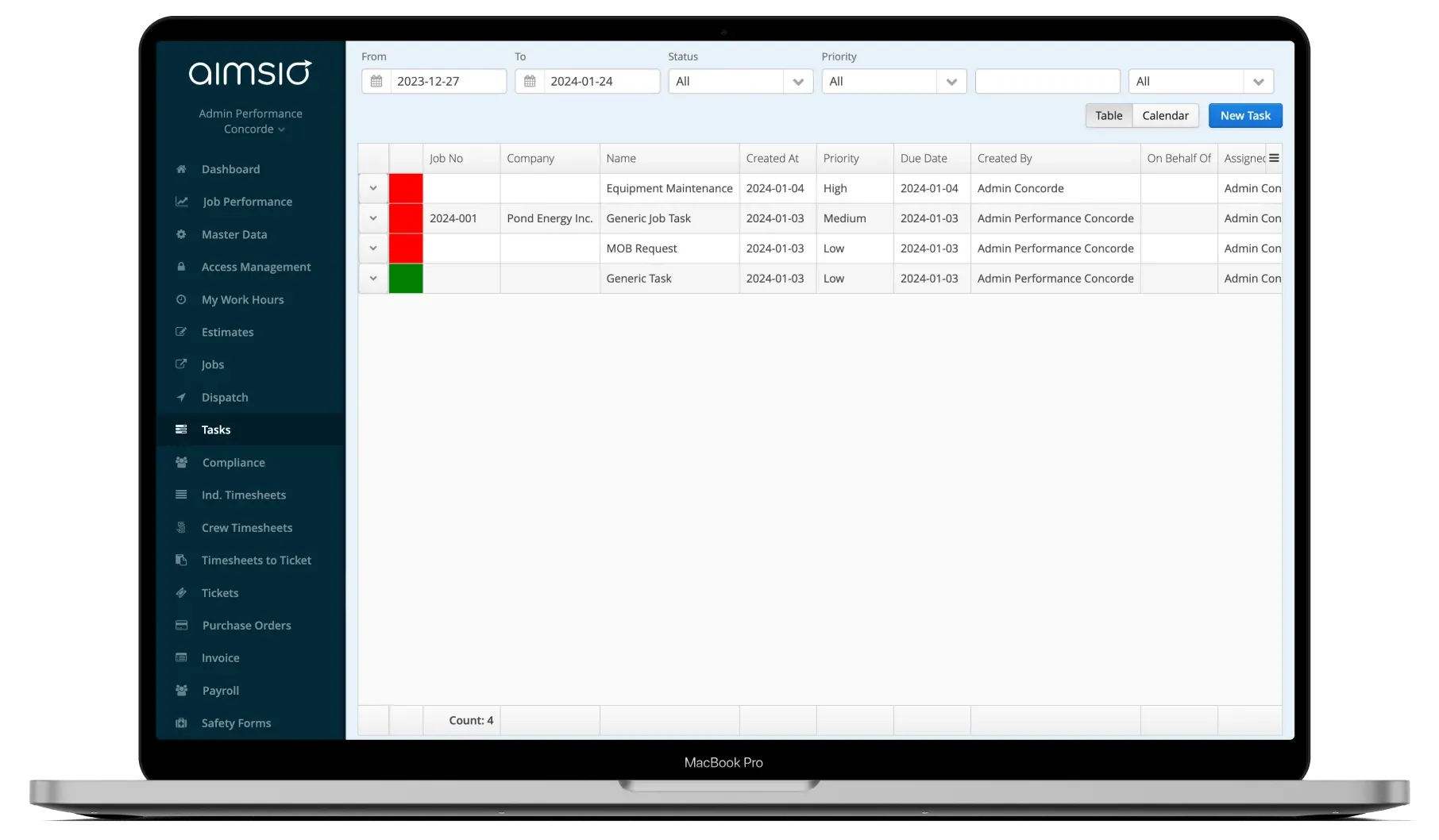
Timesheets approved and processed
When a supervisor approves timesheets, Aimsio immediately runs pay rule calculations against the approved hours. Overtime, double time, and differentials are computed in real time - no waiting, no manual steps.
- Calculations triggered on approval
- Exceptions flagged for payroll review
- Full breakdown visible per employee
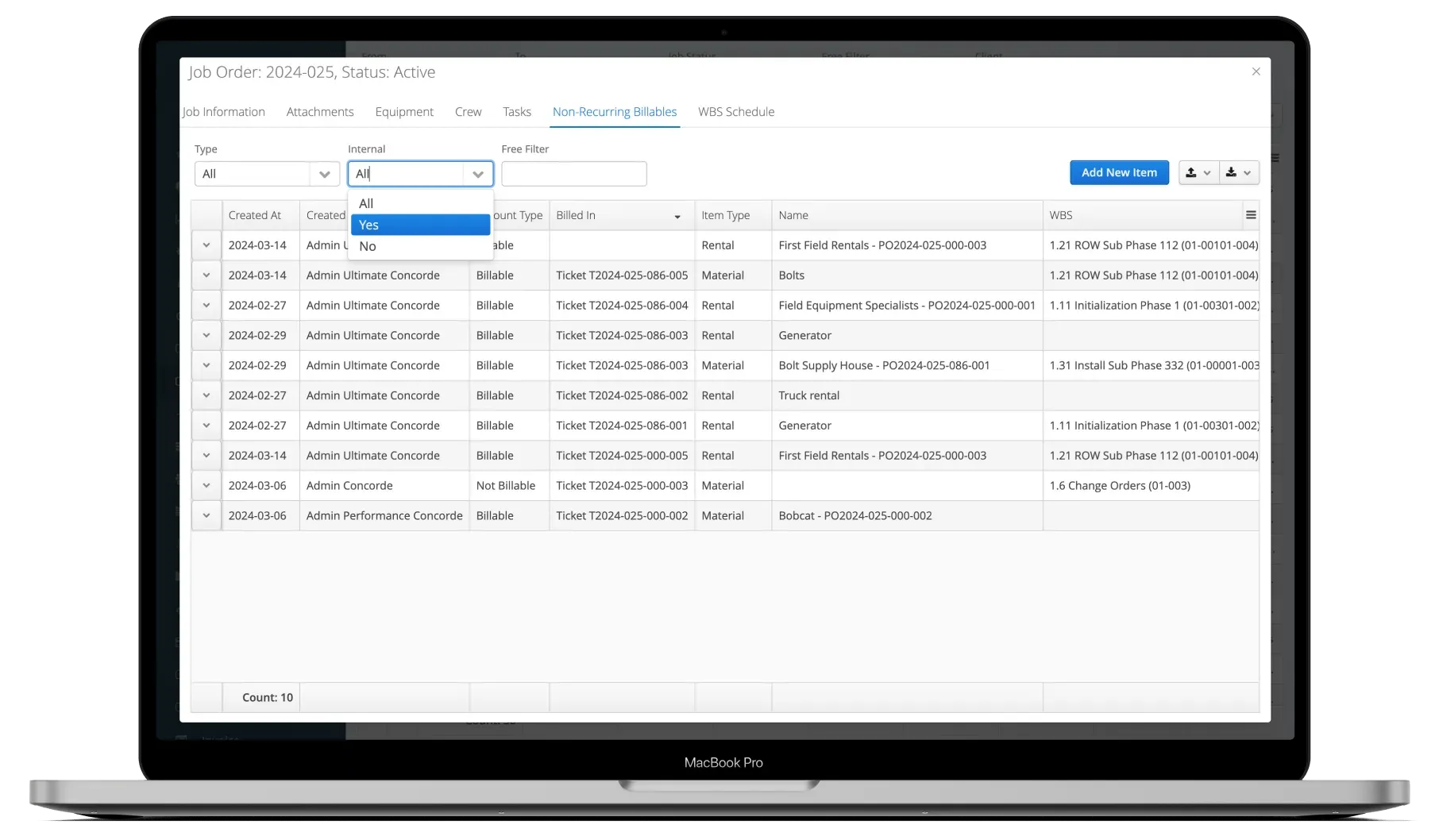
Export payroll-ready file to your system
Generate a payroll export formatted for your system - ADP, Sage, or your ERP. The file is ready to upload the moment approvals are done. No reformatting, no copy-paste, no delays.
- ADP and Sage export formats supported
- Same-week payroll cycle possible
- Full traceability from approved hours to export
See It In Action
Payroll automation in the platform
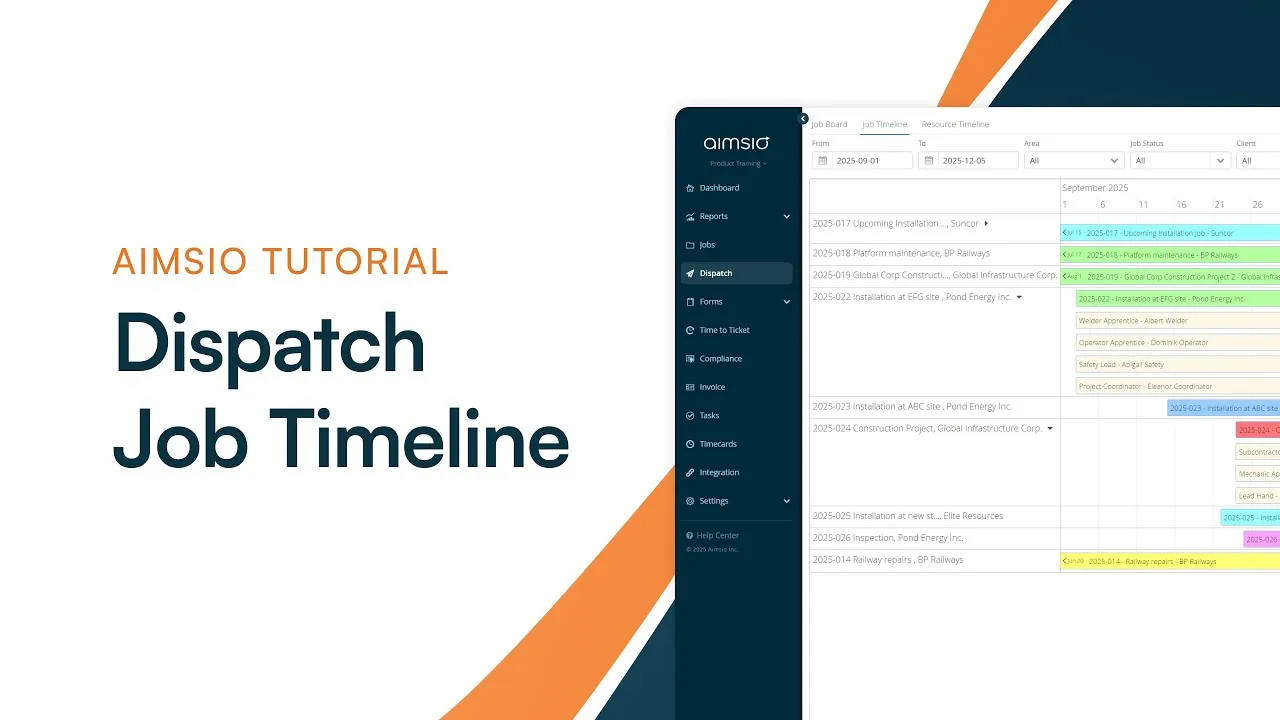
Watch how Aimsio payroll automation works in a real operations environment.
Aimsio has streamlined our business processes, provided valuable visibility into our projects and been an ongoing business partner for us as we grow our business. We have reduced our administration costs by over 20%.

Integrations
Works with the tools you already use
Aimsio connects to your accounting, payroll, and ERP systems - so data flows without double-entry.
 QuickBooks Online
 Sage Intacct
 ADP
ADP Explorer Eclipse
 Sage 300
 NetSuite
 MS Nav
 MS Business Central
 Viewpoint Vista
 Acumatica
Frequently asked questions
You configure overtime rules once per employee type - daily thresholds, weekly maximums, and shift-based triggers. When a timesheet is approved, Aimsio applies those rules to the hours and calculates regular, overtime, and double time automatically. No one on the payroll team needs to perform manual calculations.
Yes. Aimsio supports multi-jurisdiction pay rules. You can configure different overtime thresholds, double time triggers, and holiday rules per province or state. Rules are applied to each employee based on their assigned jurisdiction, so field teams working across regions are always paid correctly.
Aimsio supports direct export to ADP and Sage. For other systems, payroll data can be exported in CSV format ready for upload to your ERP or HR platform. The export file is formatted to match your system's requirements - no manual reformatting required.
Timesheets that fall outside your standard pay rules are automatically flagged as exceptions and held for payroll team review. This means the majority of timesheets process automatically while edge cases - unusual shifts, missing data, or unusual hour totals - are surfaced for human review before the payroll file is generated.
Yes. Aimsio's payroll and billing automation engines both run from the same approved timesheets. A single approval triggers both payroll calculations and billing ticket generation simultaneously - so your payroll team and finance team each get their output without requiring two separate approval processes.
Pay rule configuration typically happens during your Aimsio onboarding, which takes one to two weeks. Aimsio's implementation team will work with your payroll and HR team to map your existing pay rules into the platform. Once configured, rules are applied automatically to every future payroll cycle without any additional setup.

Ready to stop leaving
payroll to chance?
See how Aimsio can transform your operations in a 30-minute demo.