Job Costing
Know your real costs. Before it's too late.
Finding out a job went over budget after it's closed means the money is already gone. Aimsio tracks labour, equipment, and material costs against budget as work happens.
Before & After
What changes when you switch to Aimsio
Without job costing visibility
- Costs only known after job closure - by the time you run the numbers, it's too late to take corrective action on a job that's already over budget.
- Labour, equipment, and materials tracked separately - costs live in different systems or spreadsheets and no one has a single view of total job cost.
- Budget overruns discovered too late - project managers find out costs have exceeded budget after weeks of work, with no way to course-correct.
- Job profitability is guesswork - without real-time actuals, decisions about scope changes, resource allocation, and pricing are made on incomplete information.
With Aimsio Job Costing
- Real cost visibility while the job is still running - Labour, equipment, and material costs update as work happens, not after.
- Every cost type in one consolidated view - No more pulling numbers from three different systems to see the full picture.
- Early warning before budgets break - Alerts trigger when costs approach limits, giving you time to adjust.
- Profitability clear on every job, every day - You know which jobs are making money and which aren't, while you can still do something about it.
Core Capabilities
Everything you need to control job costs
Real-time visibility into every dollar spent on a job - before it becomes a problem.
Real-Time Cost Tracking
Costs accumulate automatically from field tickets, timesheets, and purchase orders as work happens. no waiting for job close to know where you stand.
Labour Cost Breakdown
See labour costs per crew member, trade, and shift. broken down by regular, overtime, and double time. Know exactly where your labour budget is being spent.
Equipment Cost Allocation
Track equipment hours and rates per job. Equipment costs are captured from field tickets and allocated to the correct job code automatically.
Material Cost Capture
Materials logged on field tickets are automatically costed against the job. Purchase orders link directly to job codes for complete material cost visibility.
Budget vs Actual
Compare estimated costs to actuals at any point in the job lifecycle. See which cost categories are on track and which are trending over budget. in real time.
Cost Reports
Generate detailed cost reports per job, cost category, or time period. Export reports for client billing review, management reporting, or profitability analysis.
Set your job budget
Define your cost budget by category - labour, equipment, materials, and subcontractors. Budget values are tied directly to the job and become the baseline for all actuals tracking.
- Budget by cost category and WBS code
- Original and amended budget tracked separately
- Linked to contract values and billing targets
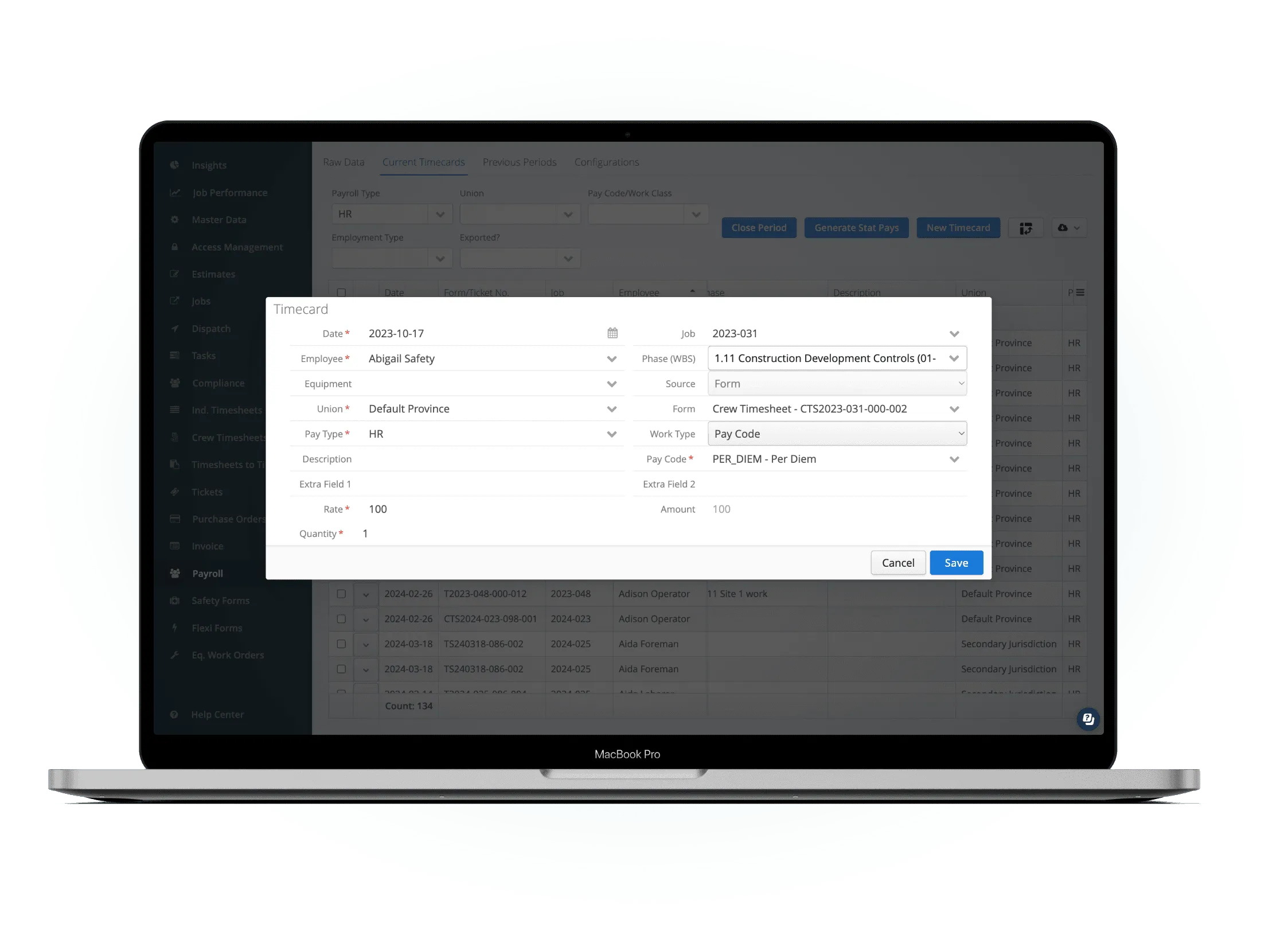
Costs captured automatically from field data
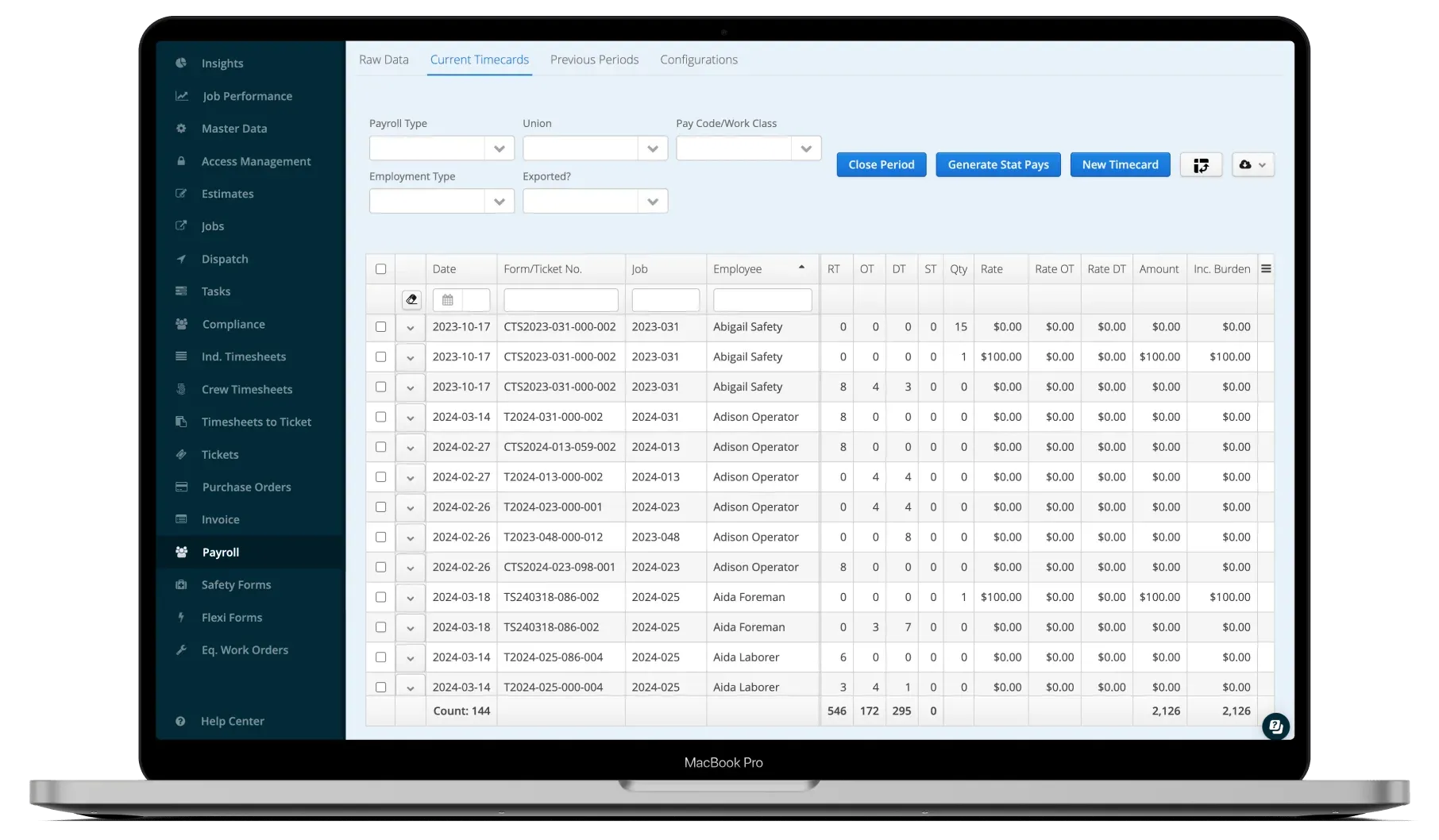
Every field ticket, approved timesheet, and purchase order automatically posts costs to the relevant job and cost category. No manual data entry - costs flow from the source to the job cost report in real time.
- Labour from approved timesheets
- Equipment from field tickets
- Materials from tickets and purchase orders
Compare actuals to budget in real time
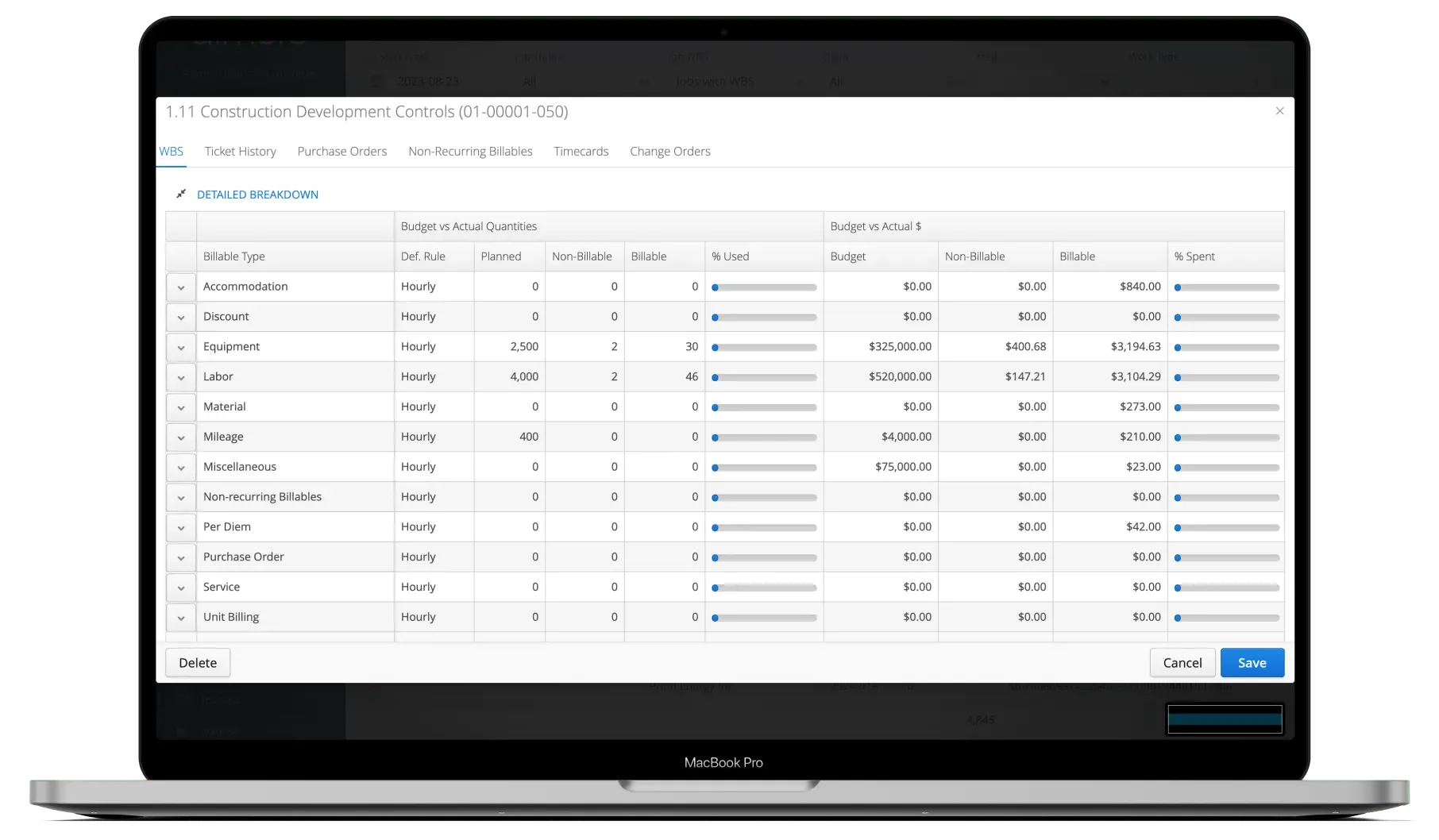
Project managers and finance teams see live budget vs. actual comparisons at any point in the job. Drill into cost categories, time periods, or individual cost items - without waiting for month-end reports.
- Live budget utilization by category
- Profitability visible while job is in progress
- Exportable reports for management and clients
See It In Action
Job costing in the platform
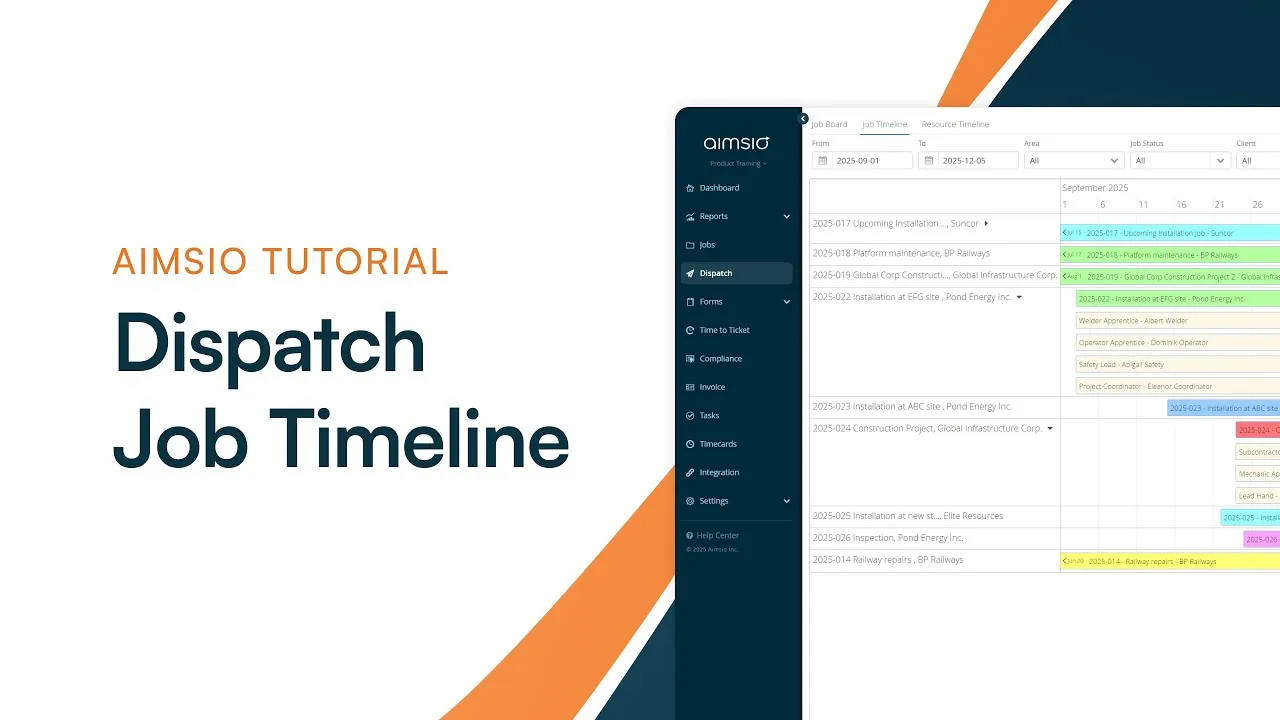
Watch how Aimsio job costing works in a real operations environment.
Pushing all of our workflows into Aimsio has allowed us to grow to over 200 staff with only 5 administrative roles. Aimsio simplifies workflows and reduces the overhead burden of juggling data across systems. This directly impacts our bottom line.

Integrations
Works with the tools you already use
Aimsio connects to your accounting, payroll, and ERP systems - so data flows without double-entry.
 QuickBooks Online
 Sage Intacct
 ADP
ADP Explorer Eclipse
 Sage 300
 NetSuite
 MS Nav
 MS Business Central
 Viewpoint Vista
 Acumatica
Frequently asked questions
Every field ticket, approved timesheet, and purchase order automatically posts costs to the relevant job and cost category in Aimsio. There is no manual data entry step - costs flow from the data source directly to the job cost dashboard as work is recorded in the field.
Yes. Aimsio supports Work Breakdown Structure (WBS) cost tracking. Budgets and actuals are tracked at the WBS level, so you can see cost performance for each phase, discipline, or work package within a job - not just at the overall job level.
Aimsio links billable revenue from invoices to actual job costs - giving you a complete picture of job margin in real time. As invoices are generated and costs accumulate, you can see the gap between what you're billing and what you're spending on each job.
Yes. Aimsio's role-based access control lets you give project managers visibility into their job costs without exposing sensitive finance data. You can control exactly which cost categories and jobs each role can view, so the right people have the information they need to make good decisions in the field.
Yes. Approved change orders in Aimsio update the job budget automatically - so your budget vs. actual comparison always reflects the current scope of work. Original budget, amendment amounts, and revised budget totals are tracked separately so you can see the full change history for any job.
Yes. Job cost data can be exported in CSV format for use in management reports, client billing reviews, or external analysis. Aimsio also integrates with Power BI for more advanced reporting - allowing you to build custom dashboards on top of your live job cost data.
Ready to stop discovering
overruns too late?
See how Aimsio can transform your operations in a 30-minute demo.