Client Portal
Give clients visibility. On your terms.
Clients want updates without the back-and-forth. Aimsio's portal lets them see progress, approve work, and review estimates without a single phone call.
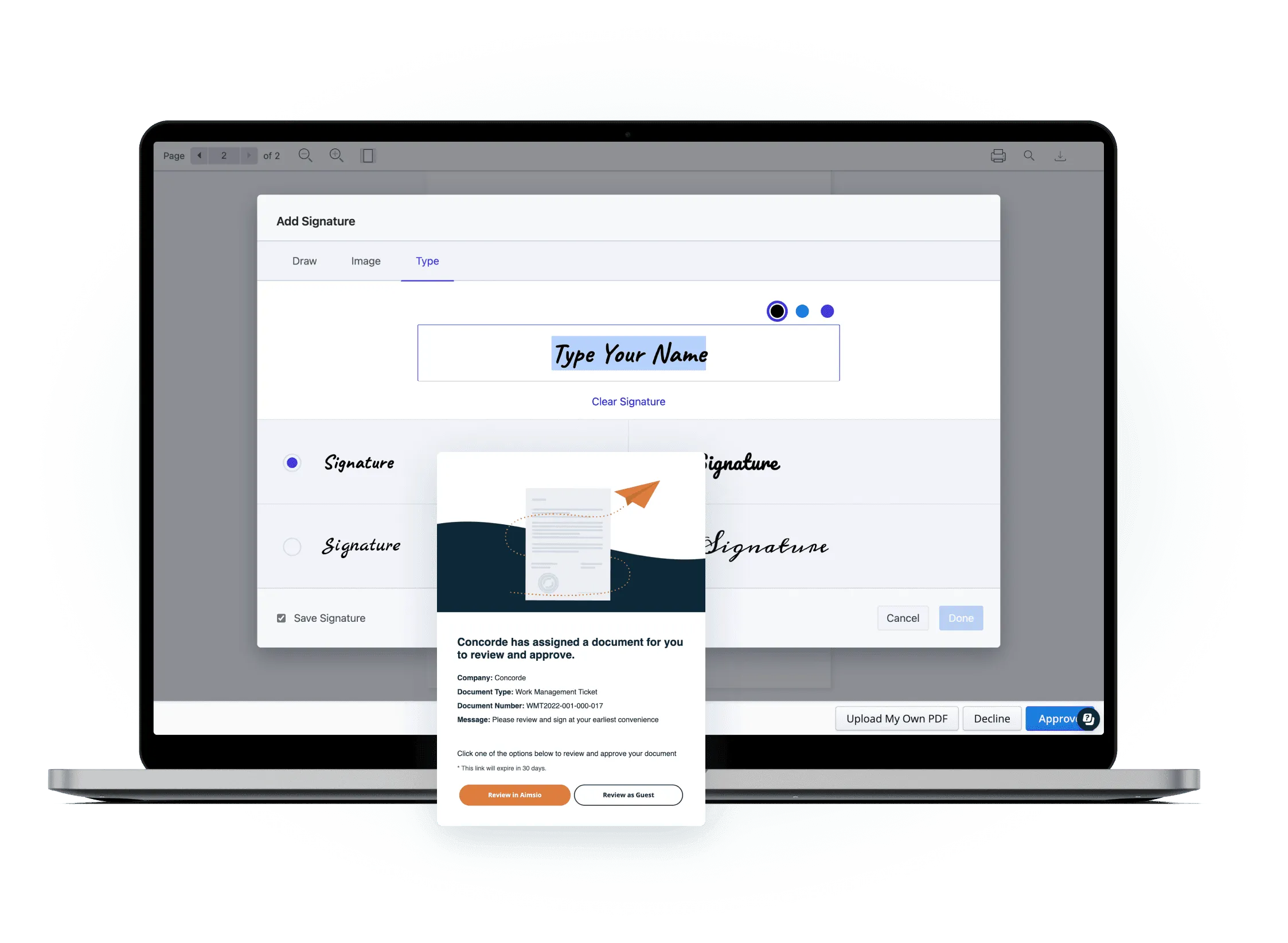
Before & After
What changes when you switch to Aimsio
Without a client portal
- Clients call constantly asking for status updates - your team spends hours answering questions instead of doing billable work.
- Ticket approvals done via email with version confusion - clients reply to the wrong attachment, changes get lost, disputes follow.
- Clients dispute invoices they never reviewed - because tickets weren't shared before billing, every invoice becomes a negotiation.
- Approval delays hold up billing - you can't invoice until the client approves, and chasing approvals adds days to your cycle.
With Aimsio Client Portal
- Clients get answers without calling you - They log in, see their project status, and move on. Your team stays focused.
- Approvals happen in hours, not weeks - One-click digital sign-off on tickets and estimates replaces the email chase.
- Fewer billing disputes, more trust - Clients see the same data you do, so there's nothing to argue about.
- Your billing cycle gets faster - Work approved digitally means invoices go out the same day, not after days of follow-up.
Core Capabilities
Everything your clients need to stay informed and approve fast
One secure portal where clients see their jobs, review tickets, and sign off - without calling you.
Client-Facing Dashboard
Clients log in and see a real-time view of their active jobs, ticket counts, and outstanding approvals. all scoped to their data only.
Ticket Review & Approval
Clients review ticket details. labour, equipment, materials - and approve with a single click. No printing, no faxing, no email threads.
Estimate Approval
Send T&M estimates for client sign-off directly through the portal. Clients review line items and approve or request changes in real time.
Document Access
Clients can download approved tickets, invoices, and reports from their portal at any time. no need to email documents back and forth.
Real-Time Job Status
Job progress, ticket counts, and billing totals update live as your field team works. Clients always see the current state. not a snapshot from last week.
Branded Portal
The portal reflects your company brand. Clients interact with a professional, white-labeled experience that reinforces your business identity.
How It Works
From job to approval in three steps
Share portal access with the client
Invite your client to their dedicated portal with a secure login. Access is scoped to their jobs and their data only - nothing else is visible.
- Secure per-client login
- Scoped to their jobs and data
- No IT setup required on their end
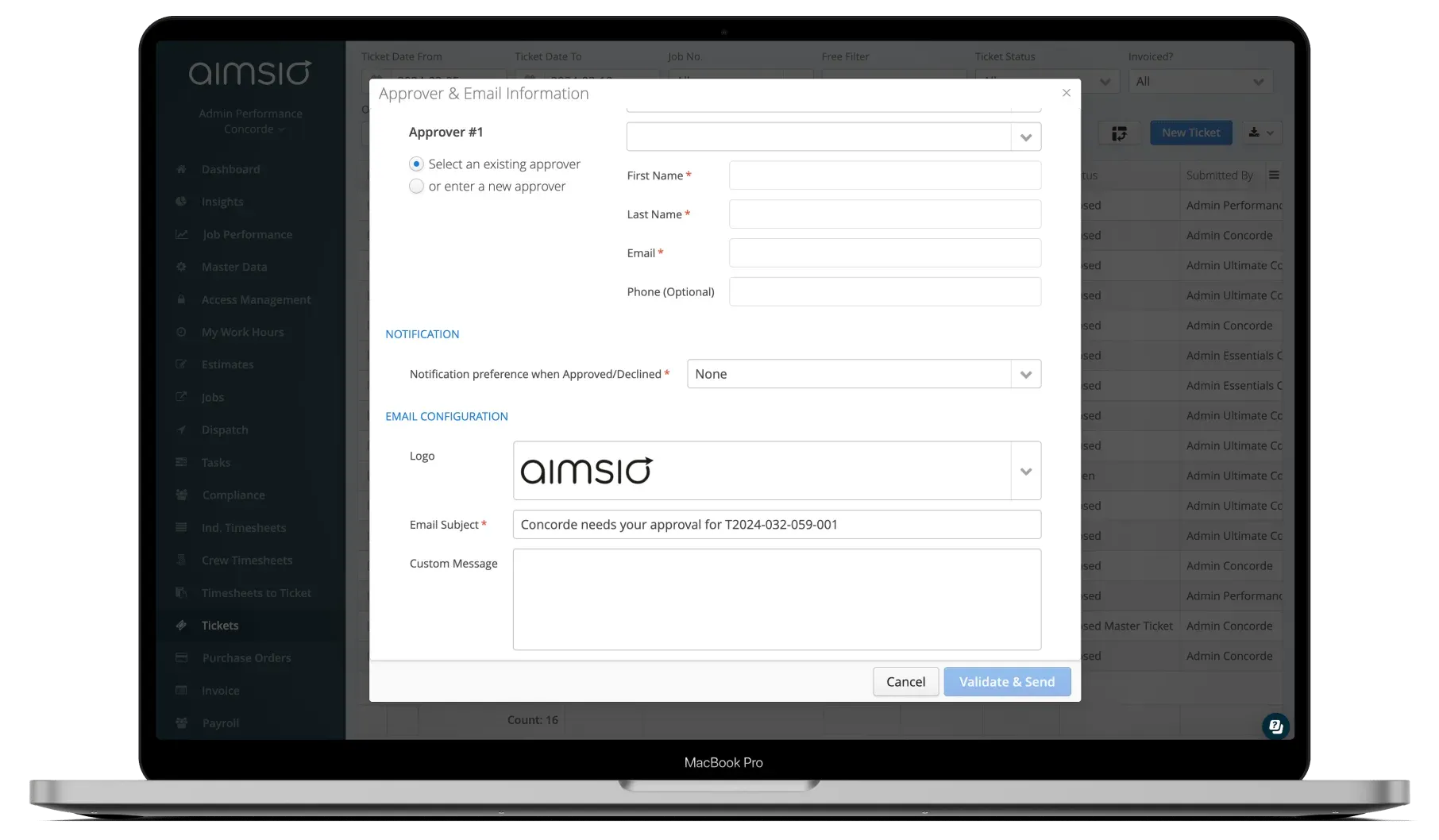
Client reviews and approves digitally
Clients open their portal, review ticket details, and approve with a single click. They can add comments or flag questions before signing off.
- One-click digital approval
- Comment and question threads
- Email notification when action needed
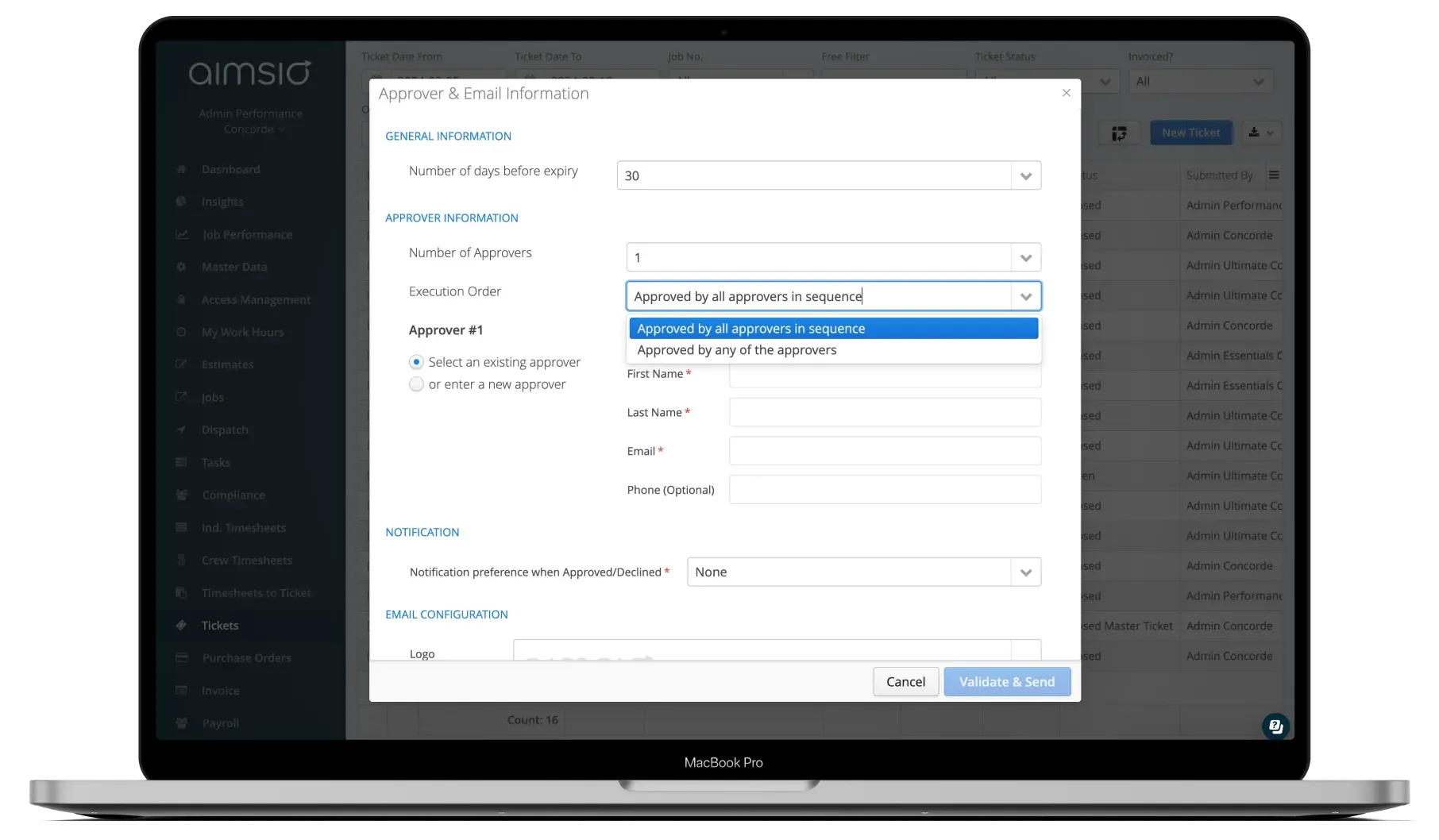
Approved data flows straight to invoicing
Once the client approves, the ticket data is ready for invoicing in Aimsio. No re-entry, no lag, no disputes - just a clean path from field to payment.
- Approval triggers invoice readiness
- No manual data transfer
- Full audit trail of who approved and when
See It In Action
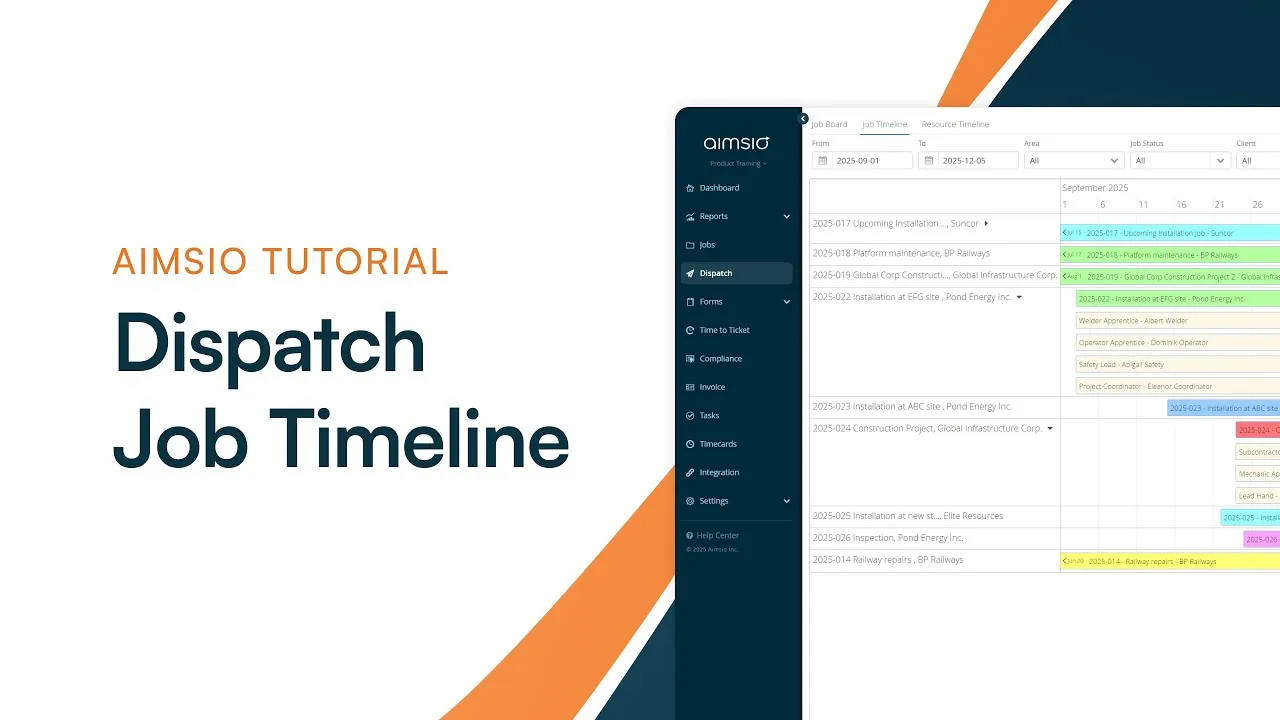
Client Portal in the platform
Watch how Aimsio's client-facing portal works in a real field operations environment.
Aimsio is a great software and an even better team. They work hard to make the transition to Aimsio as smooth as possible. Their customer service is incredible. We're very happy we made the switch to Aimsio.

Integrations
Works with the tools you already use
Aimsio connects to your accounting, payroll, and ERP systems - so data flows without double-entry.
 QuickBooks Online
 Sage Intacct
 ADP
ADP Explorer Eclipse
 Sage 300
 NetSuite
 MS Nav
 MS Business Central
 Viewpoint Vista
 Acumatica
Frequently asked questions
Clients can see the jobs assigned to them, including active tickets, estimates, document attachments, and billing totals. Access is scoped to their data only - they cannot see other clients' information or your internal operations data.
No. The Aimsio Client Portal is fully browser-based. Clients access it from any device with an internet connection - no app download, no software install, and no IT setup required on their side.
When a ticket is ready for client review, the client receives an email notification. They log into the portal, review the ticket details, and click to approve. The approval is timestamped and logged in Aimsio's audit trail.
Yes. Clients can add comments to tickets or estimates before signing off. This creates a clear communication thread inside Aimsio - keeping all approval conversations in one place instead of scattered across email chains.
Once a client approves a ticket, it is immediately flagged as billable in Aimsio. Your finance team can then generate an invoice directly from the approved ticket data - with no re-entry and no risk of billing for unapproved work.
Yes. Access Management in Aimsio lets you scope each client portal login to specific jobs. Clients only see the jobs you assign to their account - giving you full control over what information is shared with whom.

Ready to stop leaving
revenue in the field?
See how Aimsio can transform your operations in a 30-minute demo.