Job Assignments
Right people, right job. No confusion.
When assignments live in texts and spreadsheets, things get missed. Aimsio pushes clear, digital assignments to every crew member before they arrive on site.
Before & After
What changes when you switch to Aimsio
Without structured job assignments
- Assignments made by phone and text - crew members miss calls, misunderstand instructions, and show up to the wrong jobs.
- No equipment tracking - assets double-booked or sitting idle because no one knows where they are or what they’re assigned to.
- Supervisors out of the loop - last-minute changes made without notifying the crew lead, causing confusion on site.
- No central record of who’s on what job - time is wasted reconciling timesheets with actual assignments after the fact.
With Aimsio Job Assignments
- Every crew member knows exactly what to do - Digital assignments arrive with full scope before anyone shows up on site.
- Equipment accounted for on every job - Tracked and assigned alongside crews so nothing is forgotten or double-booked.
- Supervisors in the loop immediately - Notifications go out the moment assignments change, no phone calls needed.
- A complete record of who did what, when - Full assignment history for audits, disputes, or just understanding what happened.
Core Capabilities
Everything your team needs to manage job assignments
Assign crews and equipment, track availability, and keep every team member notified in real time.
Crew Assignments
Assign individuals or entire crews to a job with a few taps. Assignments visible across the team instantly. no phone tree required.
Equipment Allocation
Allocate specific equipment to each job alongside crews. Track what’s deployed where and prevent double-booking assets in the field.
Mobile Assignment Notifications
Crew members receive push notifications the moment they’re assigned or reassigned. They can view job details, location, and contacts from their phone.
Availability Tracking
See who’s available before making assignments. Avoid double-booking crews and equipment with real-time availability visibility across your operation.
Linked to Dispatch
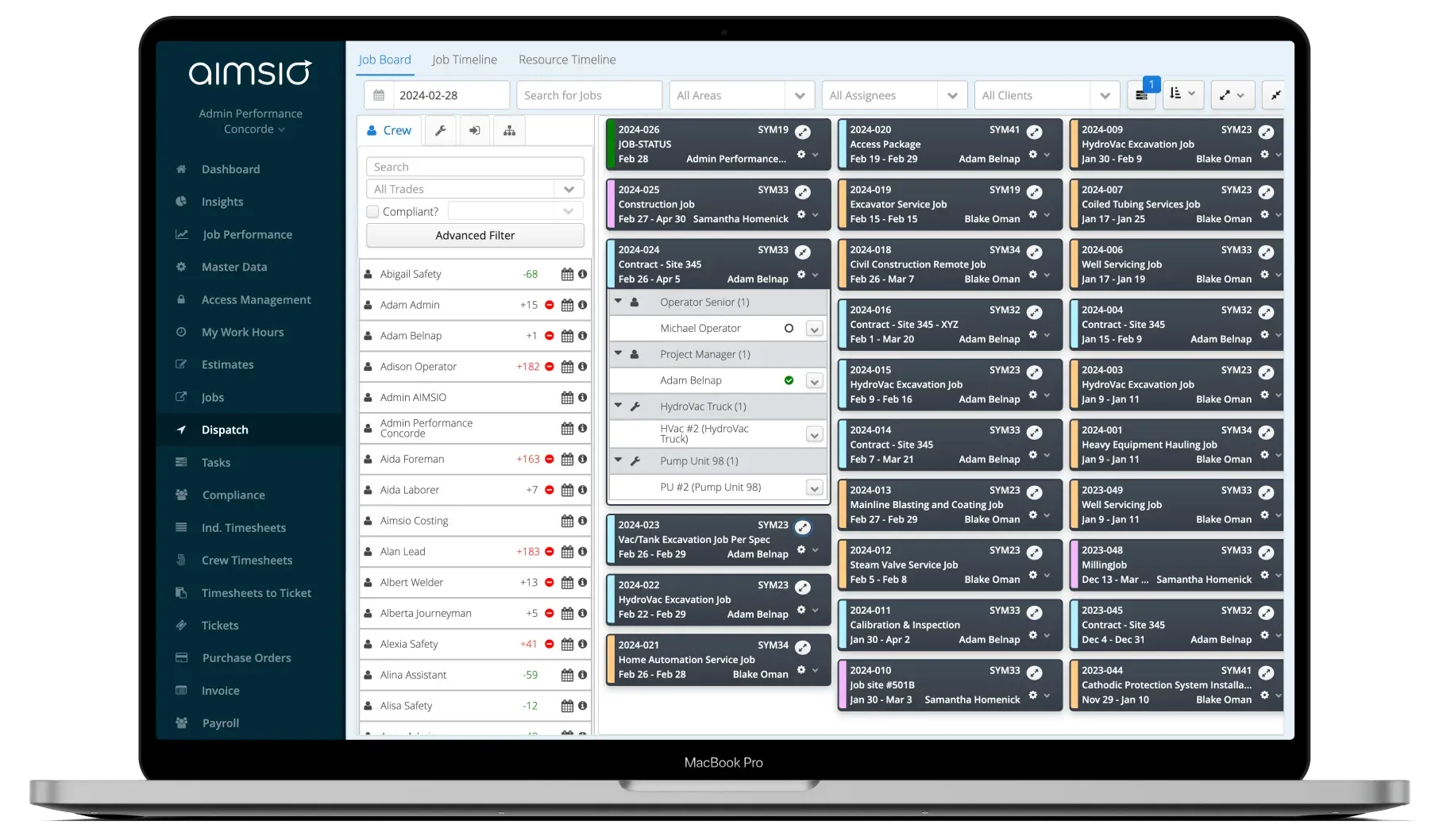
Job assignments feed directly into the dispatch board. Schedulers and dispatchers work from the same data. no duplicate entry.
Supervisor & Foreman Roles
Assign supervisors and foremen separately from field crew. Define reporting structures per job so accountability is clear from day one.
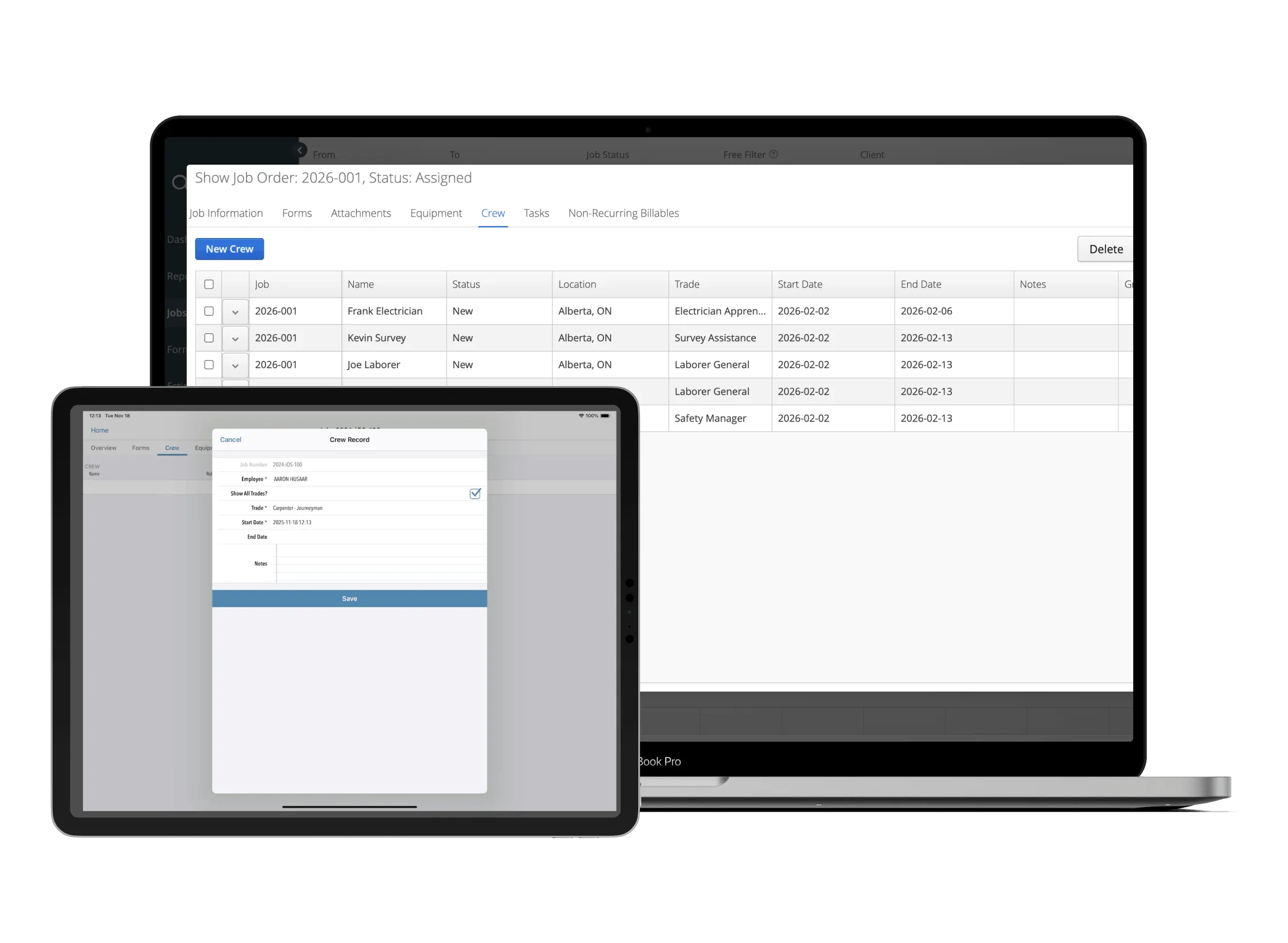
Create the job and define requirements
Set up the job record with scope, location, and dates. Specify what crew roles and equipment are needed so dispatchers have clear requirements before scheduling.
- Define required crew roles and headcount
- Specify equipment needs
- Set start and end dates for the assignment
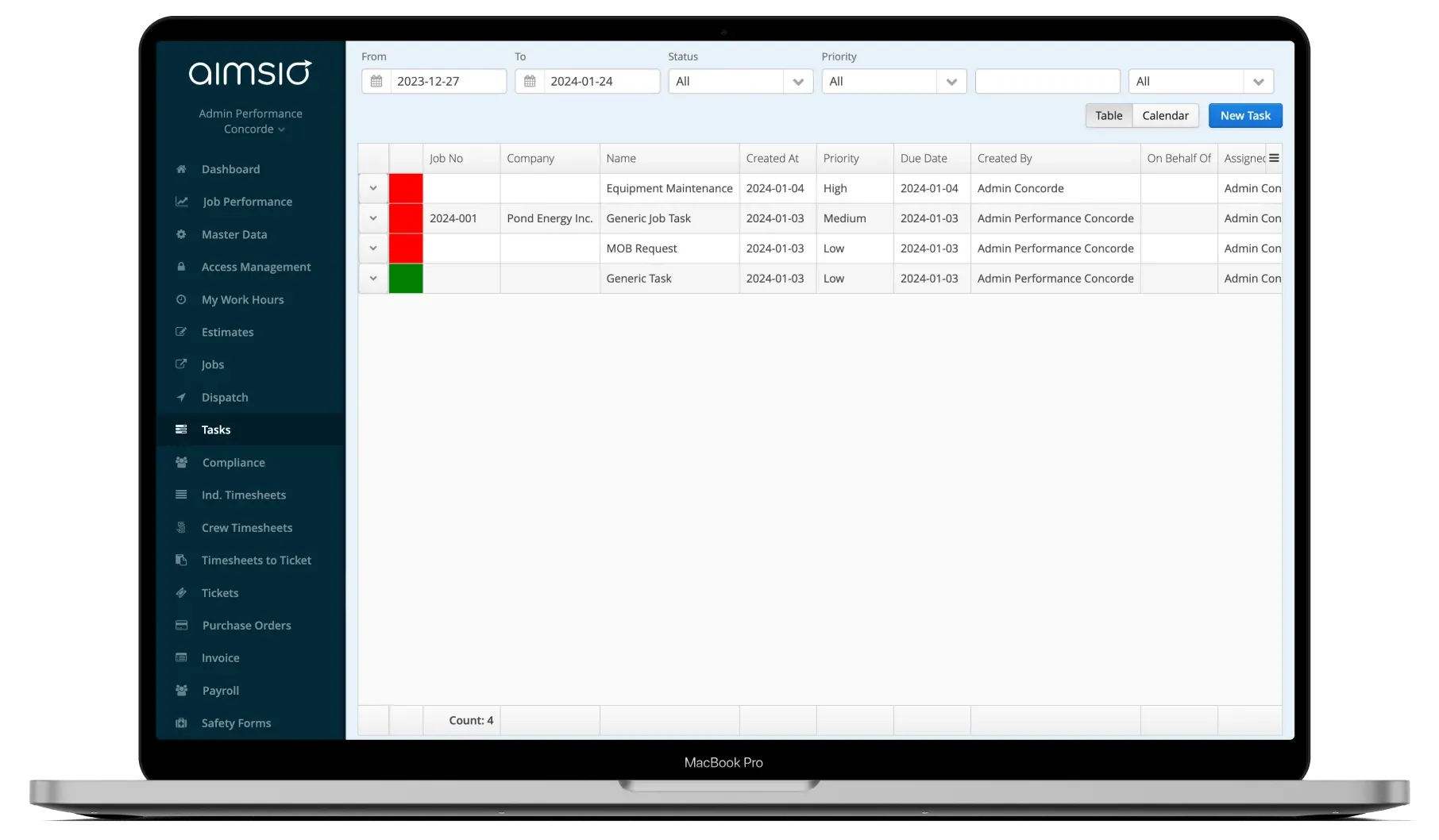
Assign crew and equipment from any device
Dispatchers assign available crew members and equipment to the job from the web or mobile app. Availability is visible in real time to avoid conflicts.
- Search crew by skill, certification, or availability
- Allocate equipment with one click
- Bulk-assign entire crews
Crew receives notification and executes
Assigned crew members get an instant push notification with all job details - location, contacts, scope, and equipment. They confirm the assignment and start capturing work.
- Push notification to mobile app
- Job details accessible immediately
- Assignment links to timesheet and ticket capture
See It In Action
Job assignments in the platform
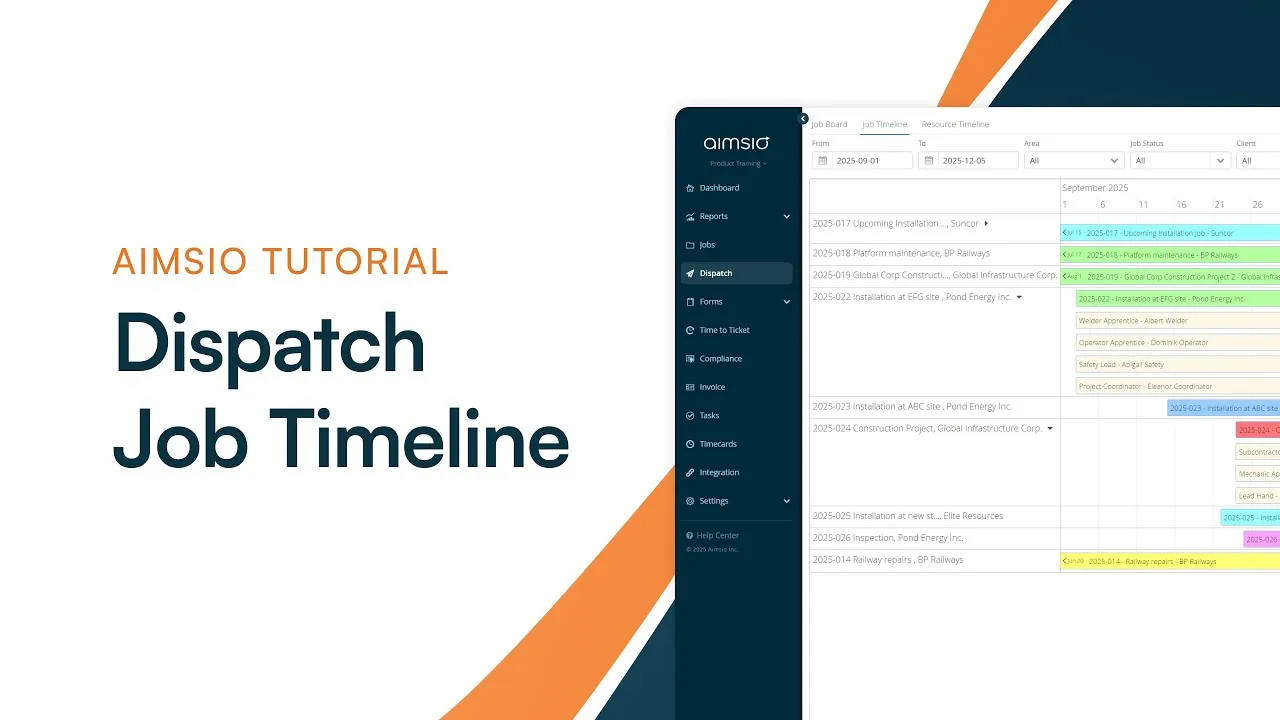
Watch how Aimsio Job Assignments works in a real field operations environment.
Aimsio is a great software and an even better team. They work hard to make the transition to Aimsio as smooth as possible. Their customer service is incredible. We're very happy we made the switch to Aimsio.
Integrations
Works with the tools you already use
Aimsio connects to your accounting, payroll, and ERP systems - so data flows without double-entry.
 QuickBooks Online
 Sage Intacct
 ADP
ADP Explorer Eclipse
 Sage 300
 NetSuite
 MS Nav
 MS Business Central
 Viewpoint Vista
 Acumatica
Frequently asked questions
Job Assignments in Aimsio lets dispatchers assign crew members, supervisors, and equipment to specific field jobs - all from a web browser or mobile app. Assignments are tracked in real time and linked to timesheets, tickets, and the dispatch board.
Yes. When a crew member is assigned to a job, they receive a push notification on their mobile device. They can view job details, location, contacts, and required equipment directly from the Aimsio app.
Aimsio shows real-time availability for each crew member and piece of equipment. Before making an assignment, dispatchers can see who and what is already committed - preventing conflicts before they happen.
Yes. Aimsio supports distinct roles within a job assignment - foremen, supervisors, and field crew are assigned separately. This defines the reporting structure for each job and ensures the right people get the right notifications.
Absolutely. When crew members log timesheets, the assignment record links automatically. This means time is always associated with the correct job, eliminating manual matching at payroll or billing time.
Any company that dispatches crews to job sites - oil and gas services, construction, pipeline maintenance, hydrovac, and industrial maintenance. If your operation involves assigning people and equipment to field jobs, Aimsio is built for you.
Ready to stop leaving
revenue in the field?
See how Aimsio can transform your operations in a 30-minute demo.