Timesheet Billing Automation
From timesheet to invoice. Automatically.
Re-keying timesheet data into billing systems burns admin hours and introduces errors. Define your billing rules once in Aimsio and let the system handle the rest.
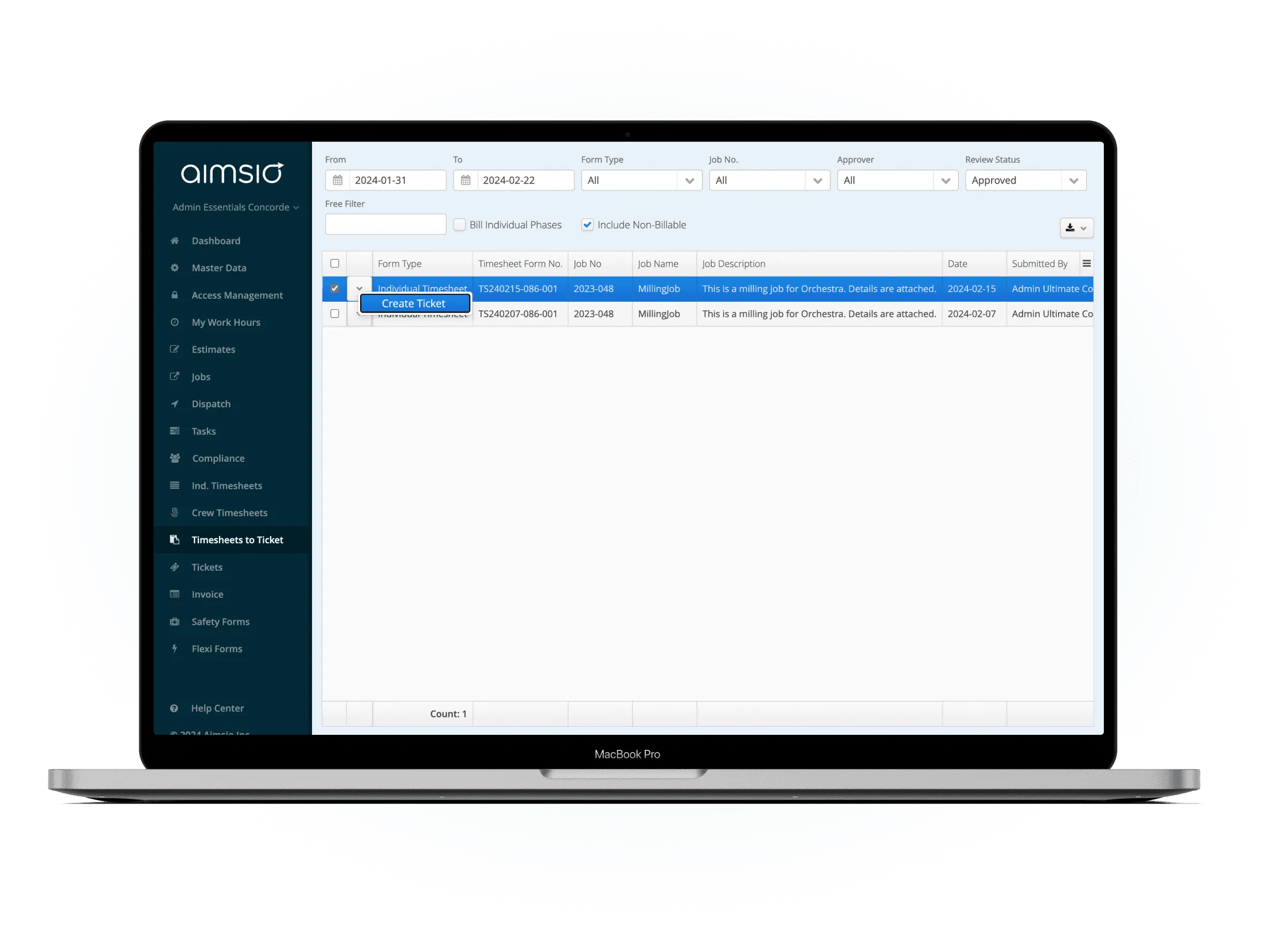
Before & After
What changes when you switch to Aimsio
Without billing automation
- Manual timesheet-to-invoice process creates errors - finance manually translates approved hours into billable amounts, introducing costly mistakes.
- Billing rules applied inconsistently - each person on the finance team interprets client contracts differently.
- Hours missed at billing time - not every approved timesheet makes it into the billing run, leaving revenue on the table.
- Finance team overwhelmed with manual work - billing prep takes days instead of hours, delaying invoice delivery.
With Aimsio Billing Automation
- Approved hours automatically become billable tickets - The conversion happens without anyone touching a keyboard.
- Same billing rules applied consistently, every time - No variation between who processes the timesheet.
- Zero hours left unbilled - Every approved timesheet generates its billable counterpart automatically.
- Your billing team focuses on exceptions, not data entry - The routine work is handled, so your people spend time where it matters.
Core Capabilities
Everything you need to automate billing
Set rules once and let Aimsio generate accurate customer tickets every time.
Rule-Based Billing
Define billing rules per client, job type, or rate category. Aimsio applies them consistently every time timesheets are approved.
Timesheet-to-Ticket Conversion
Approved timesheets automatically convert into billable tickets. ready for client review and invoicing without any manual work.
Client-Specific Rules
Every client can have their own billing logic. different rates, markups, and thresholds applied without manual overrides.
Billing Threshold Settings
Set minimum billing thresholds to prevent unbillable micro-tickets. Rules are enforced automatically at the point of conversion.
Exception Handling
Tickets that fall outside defined rules are flagged for manual review. so exceptions get attention while routine billing runs automatically.
Audit Trail
Every generated ticket is traceable back to its source timesheet and field data. full accountability for billing decisions.
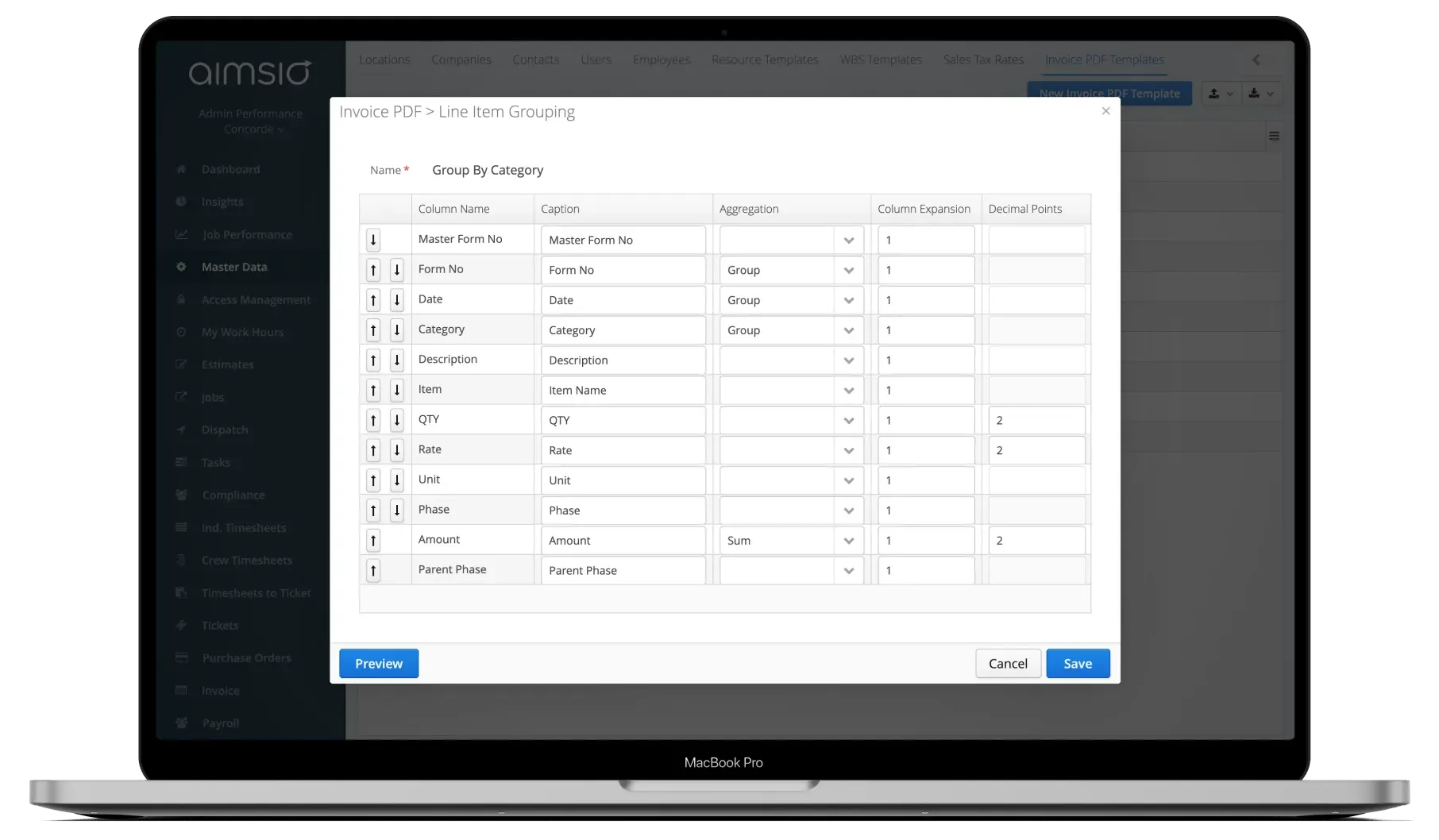
Configure billing rules per client
Set up billing logic once for each client - rates, thresholds, markup rules, and which timesheet types convert to billable tickets. Configuration takes minutes.
- Client-specific rules defined once
- Rate categories, markups, and thresholds configurable
- Exceptions flagged automatically
Timesheets approved in the field
Field supervisors approve timesheets on any device. Once approved, the billing engine picks them up automatically - no email chains, no spreadsheets.
- Mobile approval from any device
- Billing engine triggers on approval
- No manual handoff required
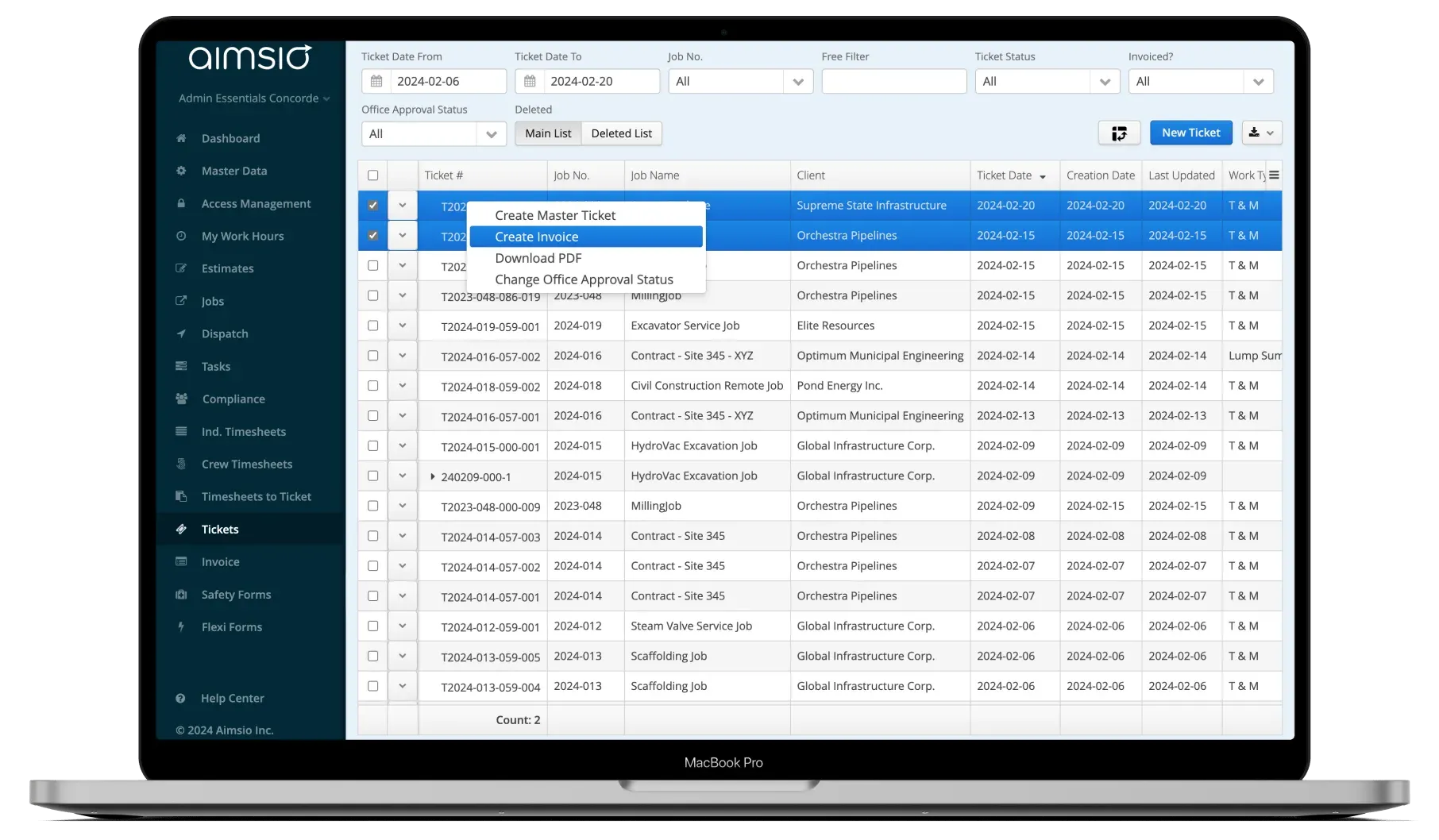
Tickets auto-generated and ready to invoice
Billable tickets are created from approved timesheets and queued for your invoice run. Your billing team reviews the exceptions - not the routine.
- Tickets ready for invoicing immediately
- Full audit trail from timesheet to ticket
- Same-day billing cycle possible
See It In Action
Billing automation in the platform
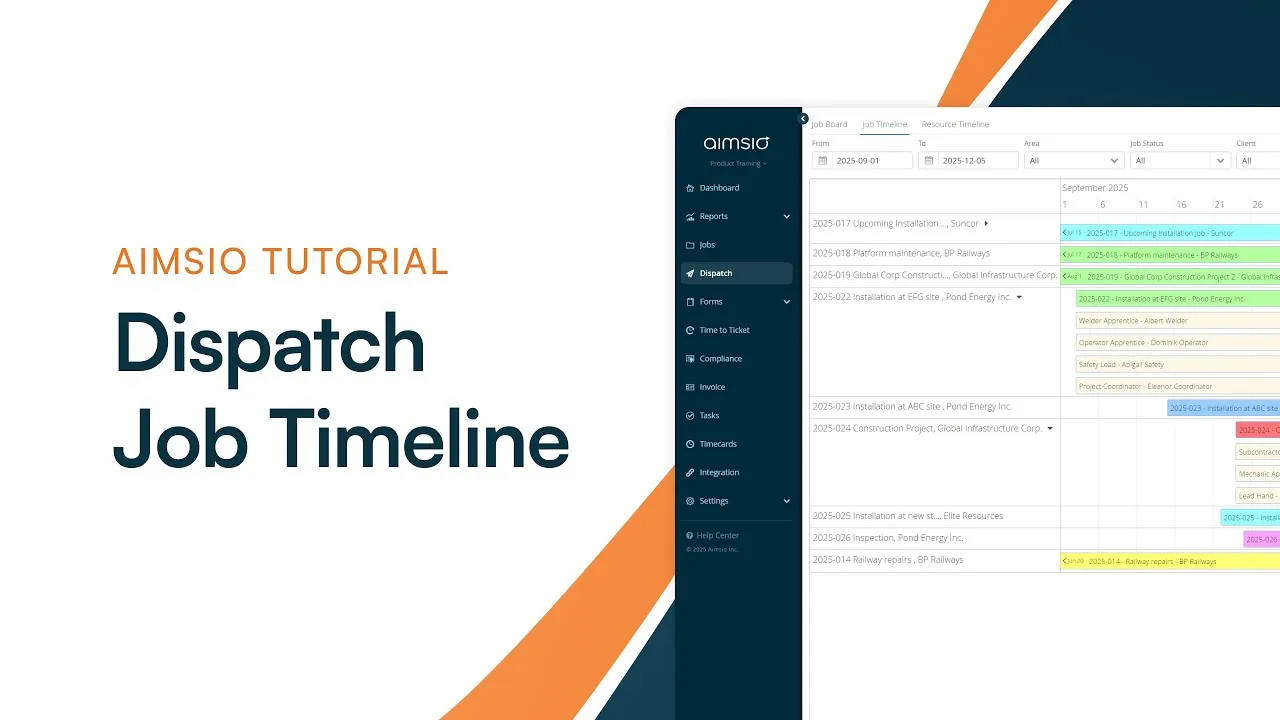
Watch how Aimsio billing automation works in a real operations environment.
Aimsio has streamlined our business processes, provided valuable visibility into our projects and been an ongoing business partner for us as we grow our business. We have reduced our administration costs by over 20%.

Integrations
Works with the tools you already use
Aimsio connects to your accounting, payroll, and ERP systems - so data flows without double-entry.
 QuickBooks Online
 Sage Intacct
 ADP
ADP Explorer Eclipse
 Sage 300
 NetSuite
 MS Nav
 MS Business Central
 Viewpoint Vista
 Acumatica
Frequently asked questions
When a timesheet is approved, Aimsio's billing automation engine applies your pre-configured rules and generates a customer-ready ticket automatically. No one on the finance team needs to manually translate hours into billable amounts.
Yes. Each client can have their own billing rules - different rates, markups, minimum thresholds, and ticket formats. Rules are configured per client and applied consistently every time timesheets are approved for that client's jobs.
Timesheets that fall outside defined billing rules are flagged as exceptions and routed for manual review. Routine billing continues processing automatically while your team focuses on the edge cases that need attention.
Absolutely. Auto-generated billing tickets feed directly into Aimsio's invoicing module. Once tickets are ready, your billing team can generate and send customer invoices in one click - completing the entire field-to-invoice cycle without manual intervention.
Billing rules can be configured during your Aimsio onboarding - typically within the first week. Aimsio's implementation team will help you map your existing billing logic into the platform so automation kicks in from day one.
Yes. Every auto-generated billing ticket is traceable back to its source timesheet, which in turn links to the original field ticket data. You have complete visibility into how any charge was derived - from site capture to customer invoice.

Ready to stop leaving
revenue in the field?
See how Aimsio can transform your operations in a 30-minute demo.