CSV Exports
Your data, your way. Export anything.
When your accounting system, auditor, or board needs data in a specific format, Aimsio lets you pull clean, structured exports from any module in seconds.
Before & After
What changes when you switch to Aimsio
Without proper data export
- Getting data out requires IT involvement - every export request goes through a ticket to the IT team, adding days of lag to every reporting cycle.
- Manual copy-paste into accounting systems - someone re-enters field data into QuickBooks or Sage by hand, introducing errors and eating hours every week.
- No way to filter exports to specific date ranges - you get everything or nothing, and then spend time trimming the data in Excel before it's usable.
- Compliance audits require manual data pulls - when an auditor asks for three months of ticket data, it takes days to compile and format the response.
With Aimsio CSV Exports
- Any dataset exported in seconds - Pull what you need from any module without waiting on IT or running manual queries.
- Clean data your accounting system can use immediately - Structured exports that drop straight into your tools without reformatting.
- Filtered exactly the way you need it - Narrow exports by job, date, client, or status to get precisely the data you're looking for.
- Audit-ready records on demand - Generate the documentation an auditor needs in minutes, not days.
Core Capabilities
Get your data out - cleanly and on demand
Any dataset, any time, in a format your existing tools can consume directly.
Flexible Data Export
Export tickets, timesheets, jobs, invoices, or any other dataset from Aimsio as a clean CSV. ready to open in Excel or import into any other system.
Scheduled Exports
Set up recurring exports on a daily, weekly, or monthly schedule. Data arrives in your inbox or shared drive automatically. no manual trigger needed.
Filter by Date & Job
Narrow your export to exactly what you need. Filter by date range, job, client, or status. so you're not downloading the entire database to find last month's tickets.
Custom Column Selection
Choose which fields to include in your export. Include only the columns your accounting system or analysis tool needs. no post-processing required.
Accounting System Import
Exports are formatted to import directly into QuickBooks, Sage, or your ERP without reformatting. Zero data manipulation between Aimsio and your accounting system.
Backup & Compliance
Export complete data snapshots for backup purposes or regulatory audits. Every export is timestamped and logged. giving you a clear record for compliance purposes.
How It Works
From data selection to download in three steps
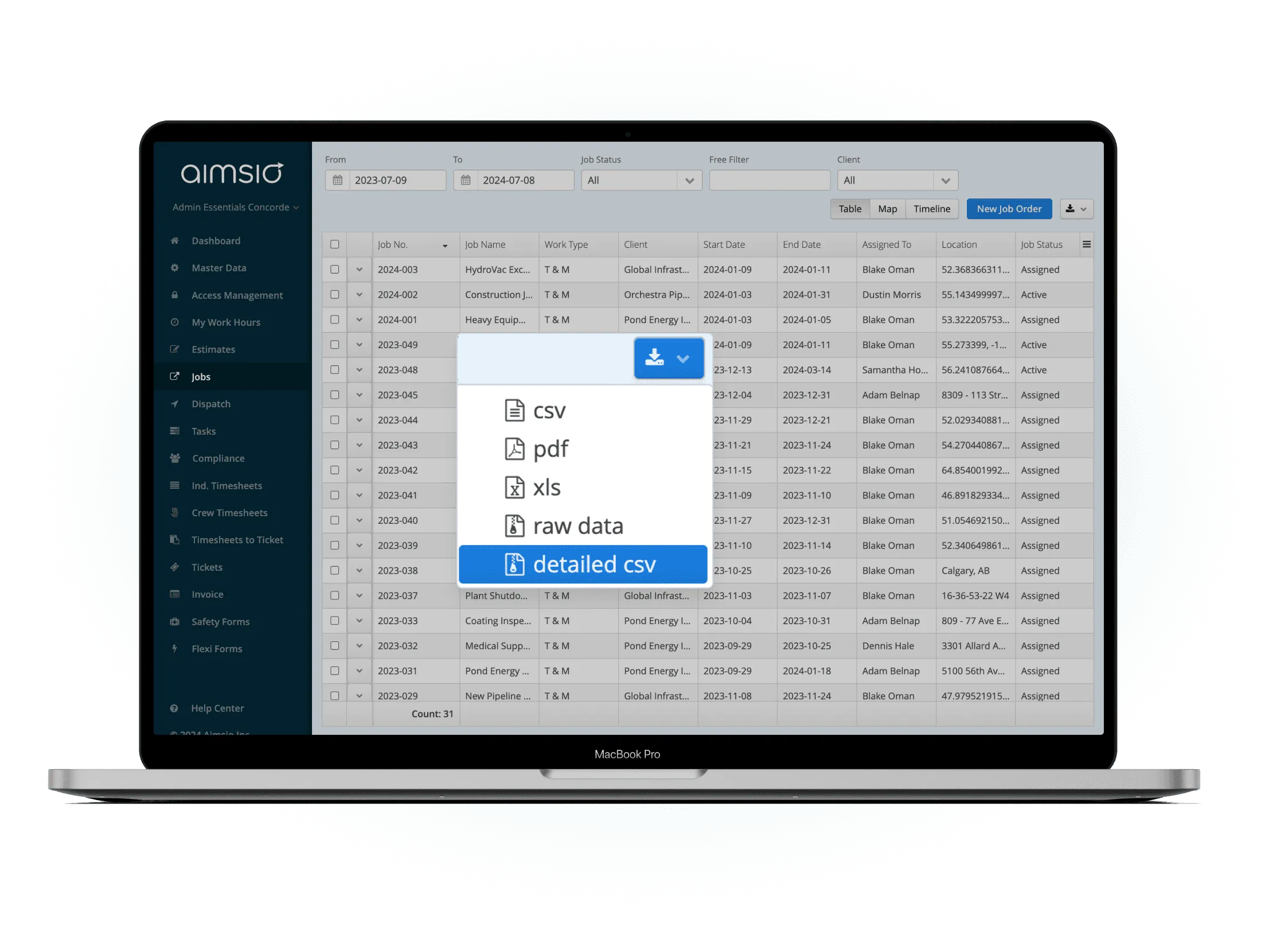
Select your dataset and filters
Choose which type of data to export - tickets, timesheets, jobs, invoices, or other records. Apply filters to scope the export to the exact date range, job, or status you need.
- Pick from any Aimsio data module
- Filter by date, job, client, status, or more
- See record count before downloading
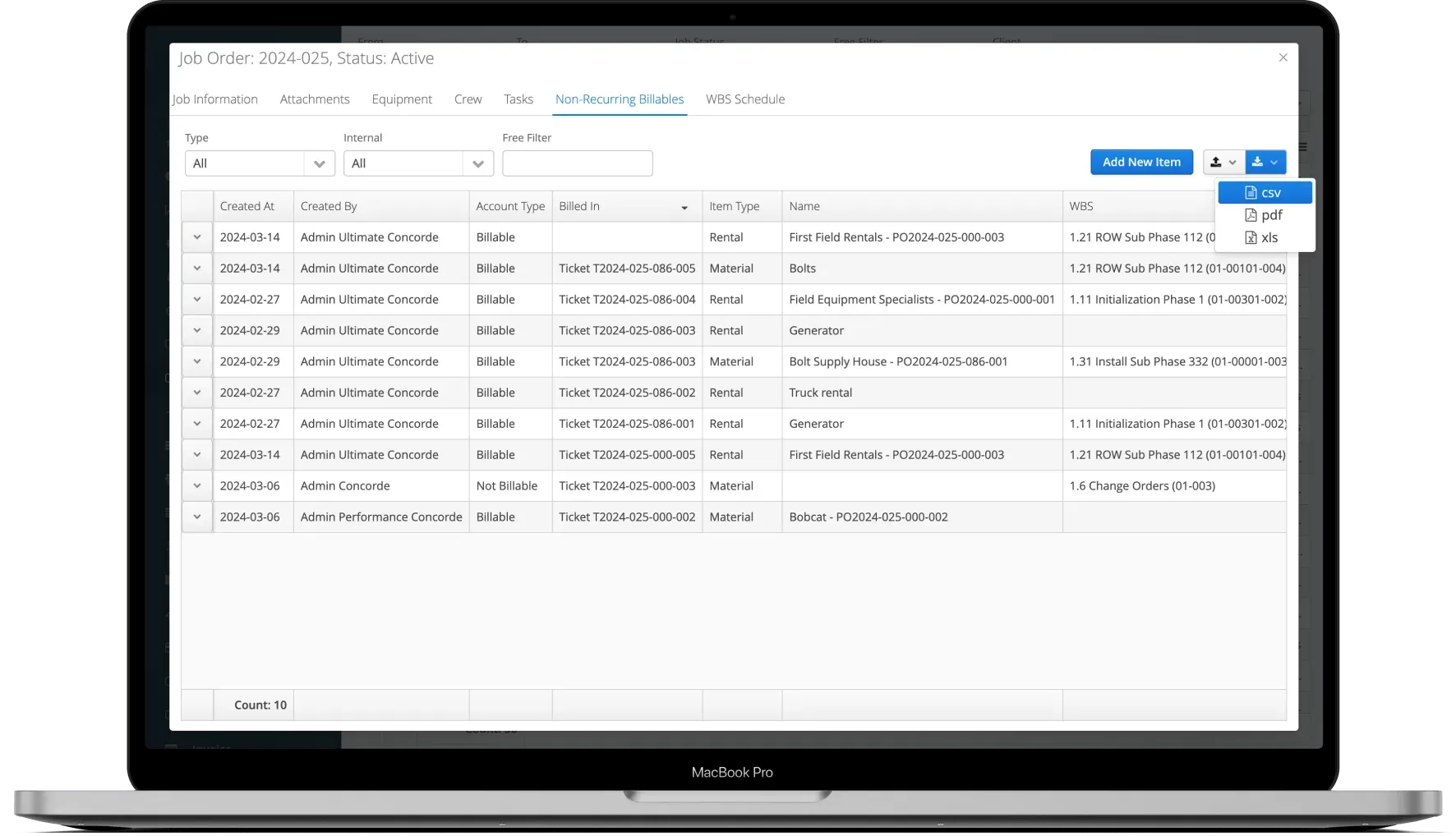
Configure columns and date range
Select which columns to include in the export. Aimsio remembers your preferred column configuration for each export type - so repeat exports are set up in seconds.
- Choose which fields to include
- Save export templates for repeat use
- Formatted for direct accounting system import
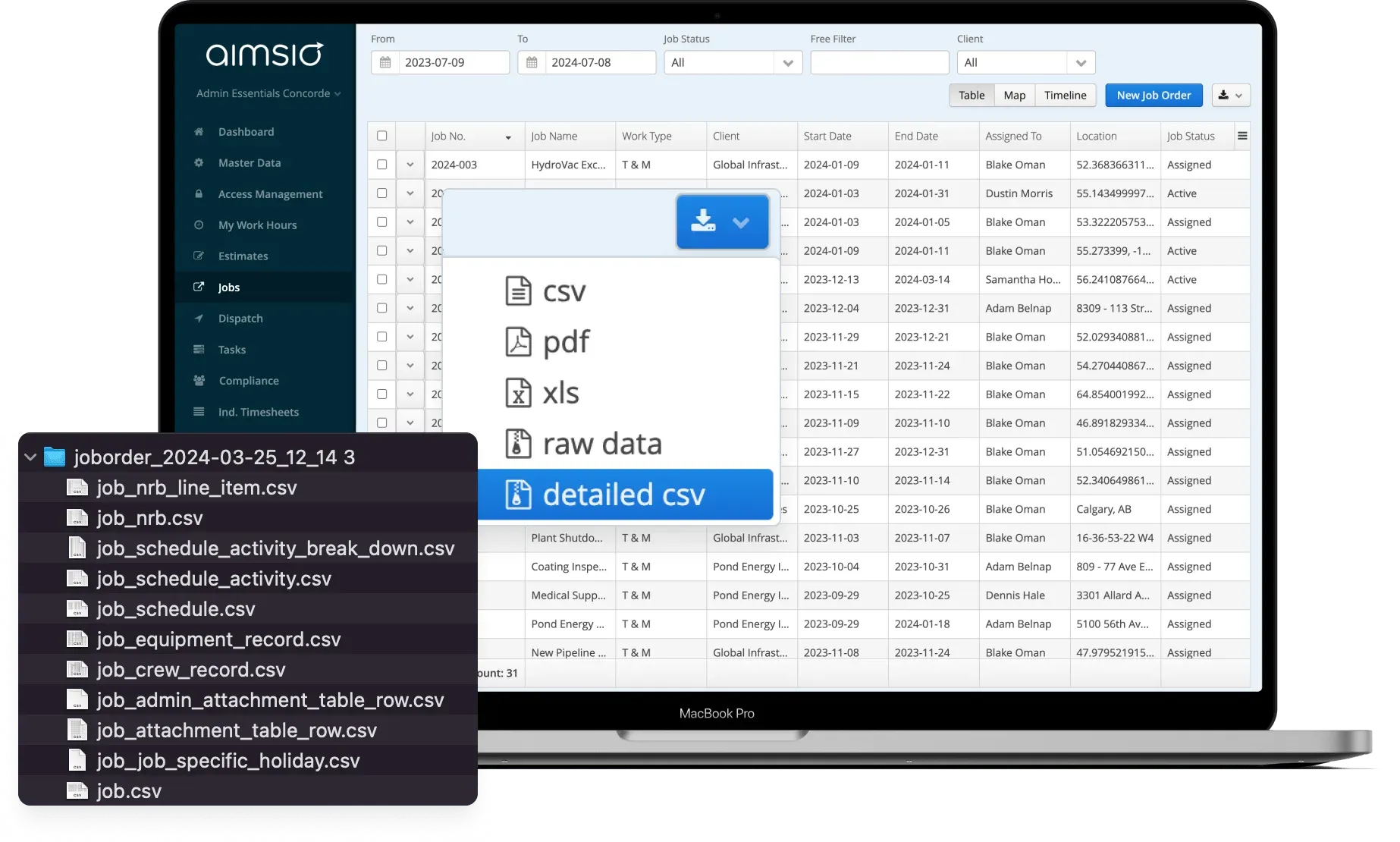
Download and import to your system
Click to generate and download. Your CSV is ready to open in Excel, import into QuickBooks or Sage, or load into any other tool your team uses.
- Instant download - no processing queue
- Clean column headers ready for import
- Timestamped and logged for audit trail
See It In Action
CSV Exports in the platform
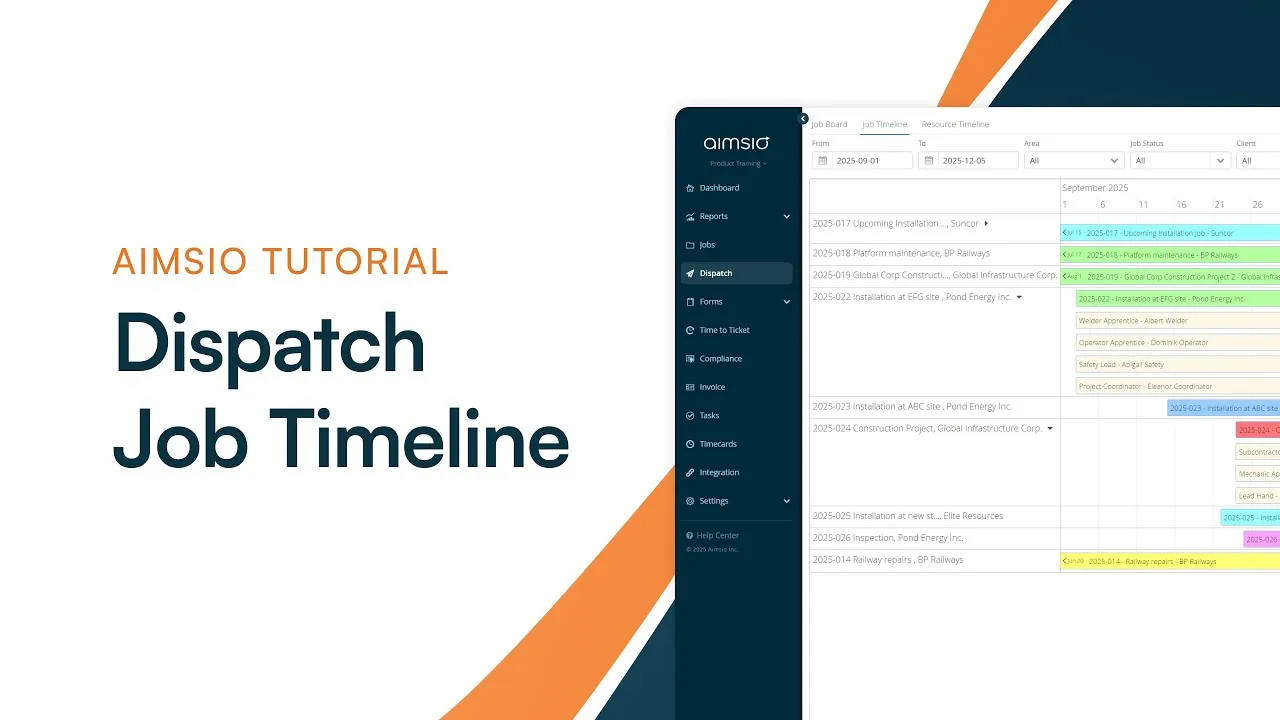
Watch how Aimsio's data export tools work in a real field operations environment.
Aimsio is a great software and an even better team. They work hard to make the transition to Aimsio as smooth as possible. Their customer service is incredible. We're very happy we made the switch to Aimsio.

Integrations
Works with the tools you already use
Aimsio connects to your accounting, payroll, and ERP systems - so data flows without double-entry.
 QuickBooks Online
 Sage Intacct
 ADP
ADP Explorer Eclipse
 Sage 300
 NetSuite
 MS Nav
 MS Business Central
 Viewpoint Vista
 Acumatica
Frequently asked questions
You can export most operational datasets from Aimsio, including field tickets, timesheets, job records, invoices, purchase orders, and employee data. The specific datasets available for export depend on the Aimsio modules your organization uses.
In most cases, no. Aimsio's CSV exports are structured to match the import format of common accounting systems like QuickBooks and Sage. Column headers and data formats are aligned with standard import templates - reducing or eliminating the need for manual reformatting.
Yes. When setting up an export, you can apply filters by date range, job, client, status, and other criteria. This lets you export exactly the records you need without downloading the entire dataset.
Yes. Column selection is configurable for each export. You can include only the fields that are relevant to your use case - whether that's an accounting import, a payroll summary, or a compliance report.
Yes. Every CSV export in Aimsio is timestamped and associated with the user who initiated it. This creates an audit trail of data exports - useful for security reviews, compliance audits, and data governance requirements.
Yes. Aimsio supports scheduled exports that run on a defined cadence - daily, weekly, or monthly. Scheduled exports can be delivered to a shared drive or email, so your accounting or reporting workflow gets fresh data without anyone needing to trigger it manually.

Ready to stop leaving
revenue in the field?
See how Aimsio can transform your operations in a 30-minute demo.