Jobs
One hub for every project. Nothing scattered.
Scattered files, missing docs, and status updates buried in email slow your team down. Aimsio keeps every project's crew, tickets, documents, and financials in one place.
Before & After
What changes when you switch to Aimsio
Without proper job management
- Job details scattered across emails and spreadsheets - no single place to see what a job involves, who's on it, or what's been done.
- No central place to store job documents - contracts, drawings, and safety files live in email attachments or shared drives nobody can find.
- Progress only known by calling the site - managers waste time chasing updates instead of working from live data.
- Finance disconnected from job status - billing teams don't know what work is complete, leading to delayed invoicing and missed revenue.
With Aimsio Jobs
- Everything about a project in one place - Client, scope, crew, documents, tickets, and invoices all linked in a single record.
- Documents accessible from the office or the field - Attach files to the job and access them from any device, anywhere.
- Progress visible without a phone call - Job status updates in real time as crews complete work.
- Finance and operations working from the same source - Billing connects directly to job progress, so invoices go out faster.
Core Capabilities
Everything your team needs to manage field jobs
One hub to create, track, and close every job - from first assignment to final invoice.
Job Creation & Management
Create jobs with all relevant details. client, location, scope, contacts, and custom fields - in a single structured record.
Document Storage
Attach contracts, safety docs, drawings, and photos directly to each job. Everything accessible from the office or the field.
Progress Tracking
Monitor job status in real time. See which phase work is in, what's been completed, and what needs attention. without calling site.
Job Status Dashboard
See all active, scheduled, and closed jobs across the business in one view. Filter by client, region, or status instantly.
Team Assignment
Assign crews, supervisors, and contacts to each job. Everyone knows their role and can access job details from any device.
Integration Hub
Jobs connect directly to tickets, timesheets, change orders, and invoices. No re-entry, no data loss, no disconnected systems.
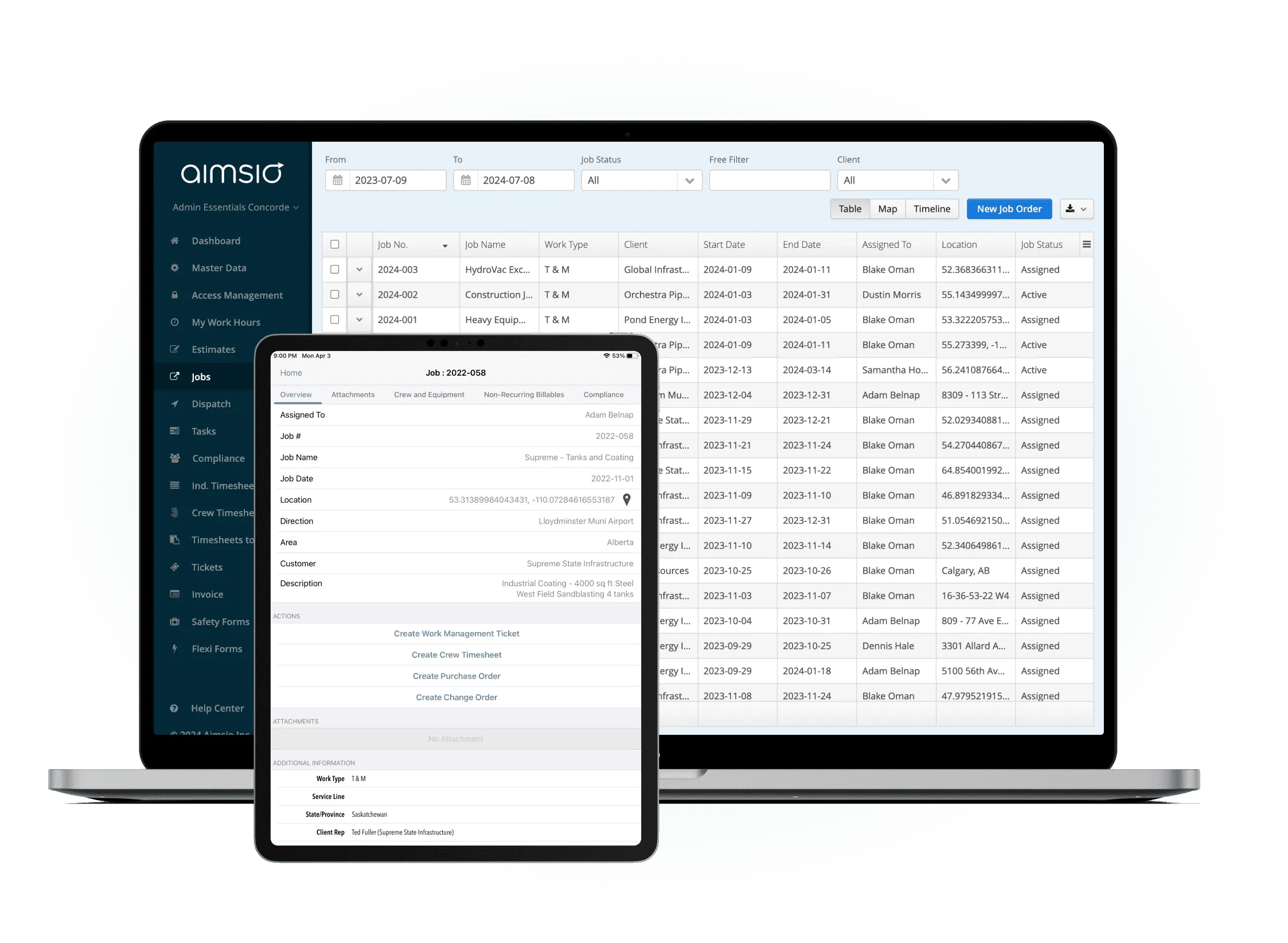
Create the job with all details
Set up a job record with client info, scope of work, location, key contacts, and any custom fields your operation requires. Attach documents before crew even hits the road.
- Custom fields for any job type
- Attach contracts and safety documents upfront
- Assign crew and supervisors immediately
Crew executes and captures work
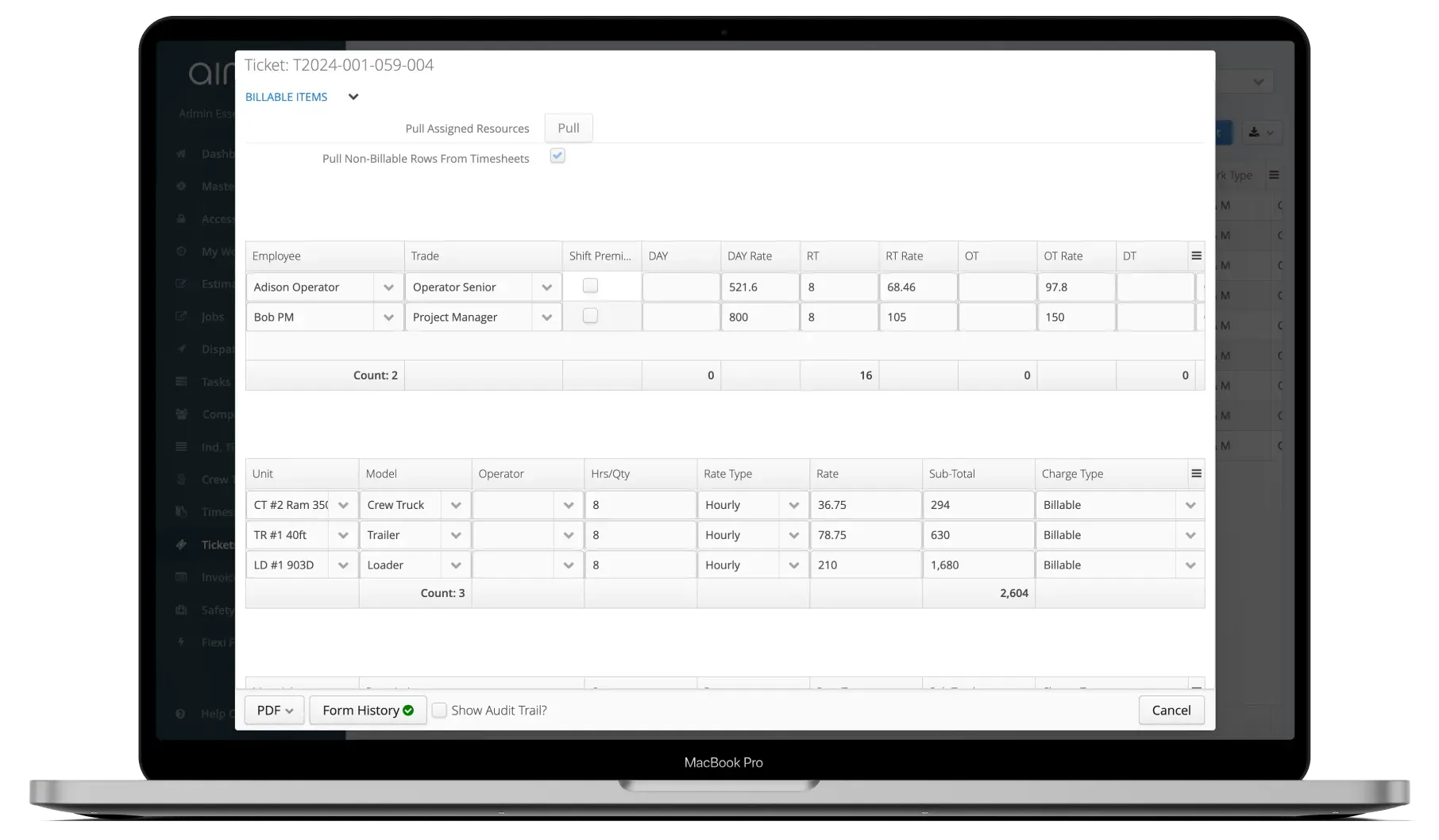
Field crews complete tickets, change orders, and timesheets linked directly to the job. Every action is tracked and visible from the office in real time.
- Tickets and timesheets linked to the job
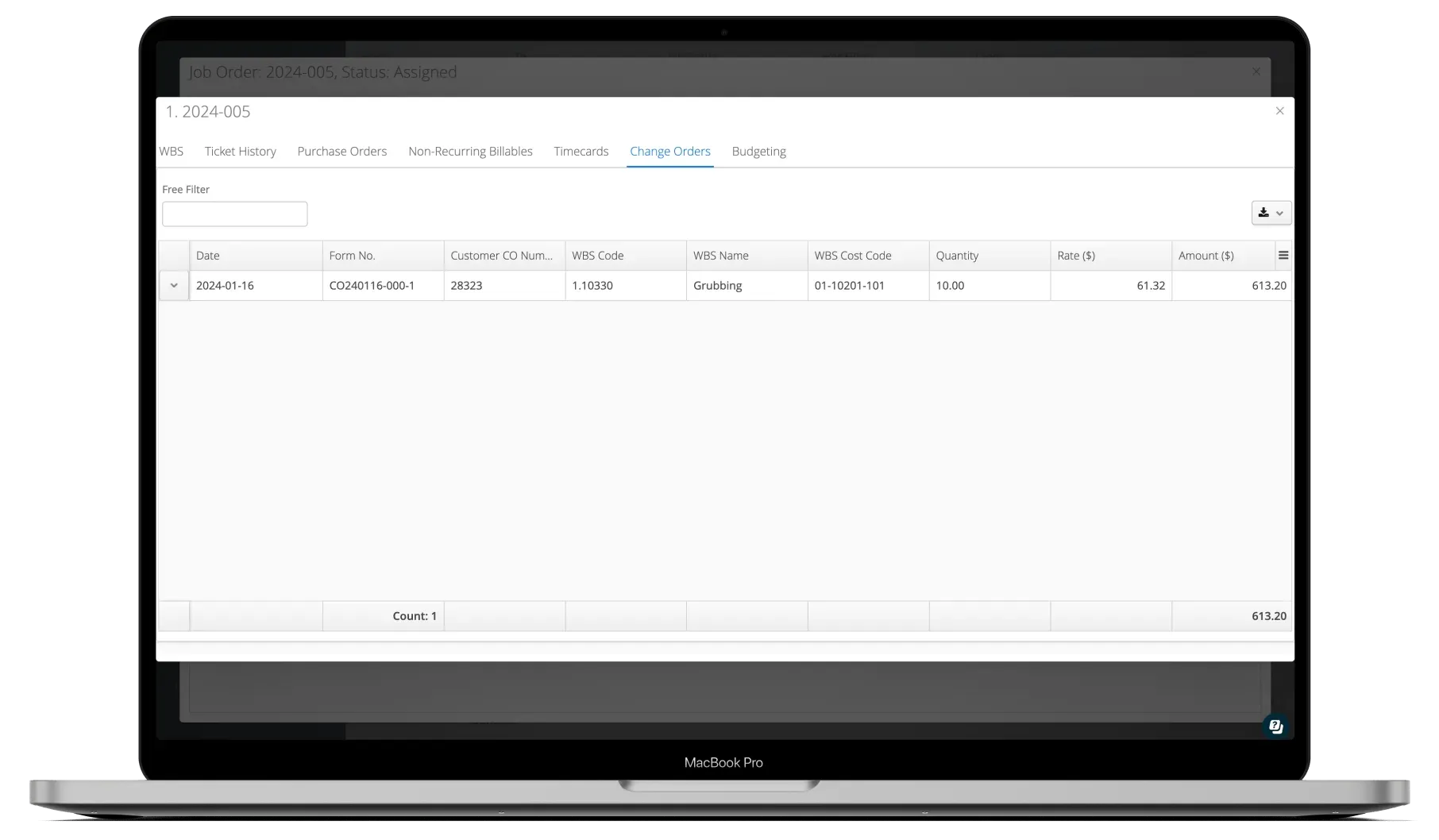
- Change orders captured in the field
- Live progress updates without phone calls
Approve, invoice, and close the job
Once work is complete and approved, all connected data flows into invoicing automatically. Close out the job with a complete audit trail of everything that happened.
- Approved tickets flow directly to invoices
- Full job history retained on close-out
- Job costing data available for reporting
See It In Action
Job management in the platform
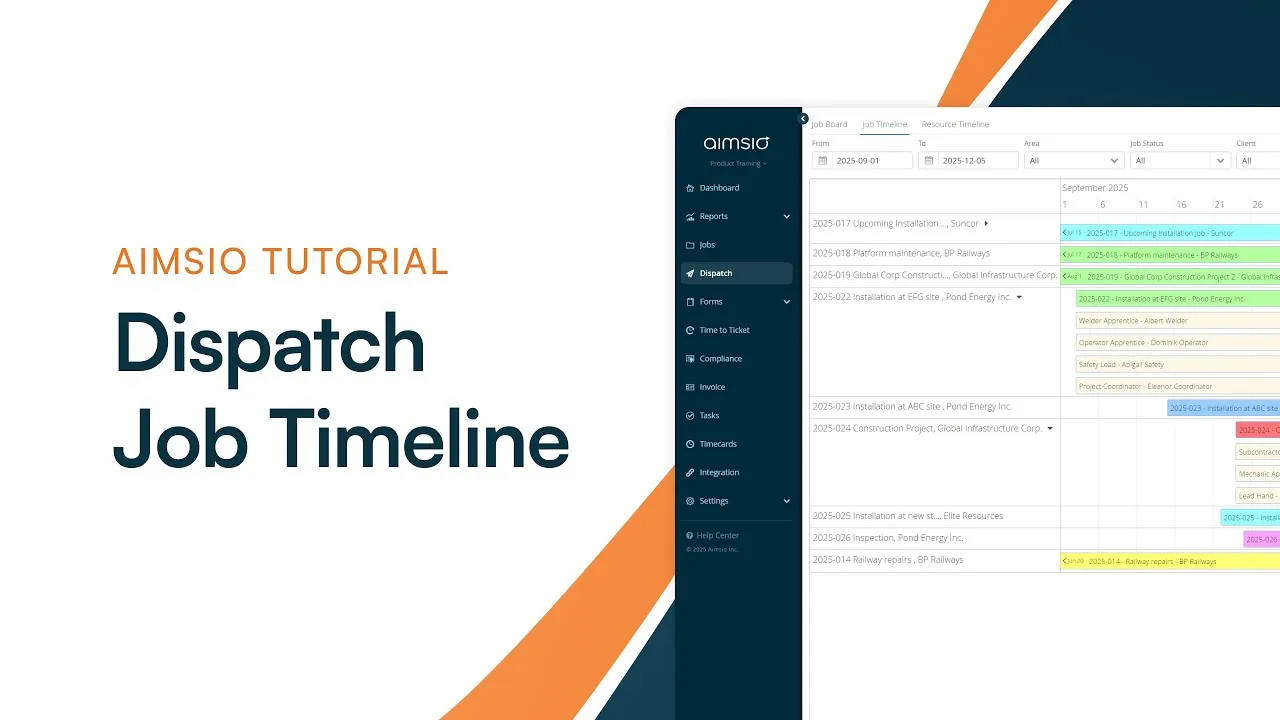
Watch how Aimsio Jobs works in a real field operations environment.
Aimsio is a great software and an even better team. They work hard to make the transition to Aimsio as smooth as possible. Their customer service is incredible. We're very happy we made the switch to Aimsio.
Integrations
Works with the tools you already use
Aimsio connects to your accounting, payroll, and ERP systems - so data flows without double-entry.
 QuickBooks Online
 Sage Intacct
 ADP
ADP Explorer Eclipse
 Sage 300
 NetSuite
 MS Nav
 MS Business Central
 Viewpoint Vista
 Acumatica
Frequently asked questions
Aimsio Jobs is a centralized hub for creating and managing field jobs from start to finish. It holds all job details - client info, scope, crew assignments, documents, and linked tickets - so your entire team works from one source of truth.
Field tickets, timesheets, and change orders completed under a job all link back to it automatically. When it's time to invoice, your billing team pulls all approved work into an invoice with a single click - no manual data transfer required.
Yes. You can attach any file type - contracts, drawings, safety documentation, photos, and more - directly to a job record. These files are accessible from any device, so field crews and office staff always have what they need.
As field crews complete tickets and timesheets linked to a job, the job's status and activity log update automatically. Managers can see what's been done, what's in progress, and what's pending - without needing to call the site.
Absolutely. Aimsio supports multiple crew assignments per job. Each crew captures their own tickets and timesheets, which all roll up under the same job record for consolidated reporting and invoicing.
Aimsio is designed for field service companies in oil & gas, construction, pipeline, transportation, and industrial maintenance. Any operation that dispatches crews to job sites and needs to track work, costs, and billing will benefit from Jobs.
Ready to stop leaving
revenue in the field?
See how Aimsio can transform your operations in a 30-minute demo.