Tickets
Capture every billable hour. At the job site.
Paper tickets get lost, delayed, or disputed. Digital field tickets in Aimsio mean accurate records, on-site signatures, and invoices ready the same day work is done.
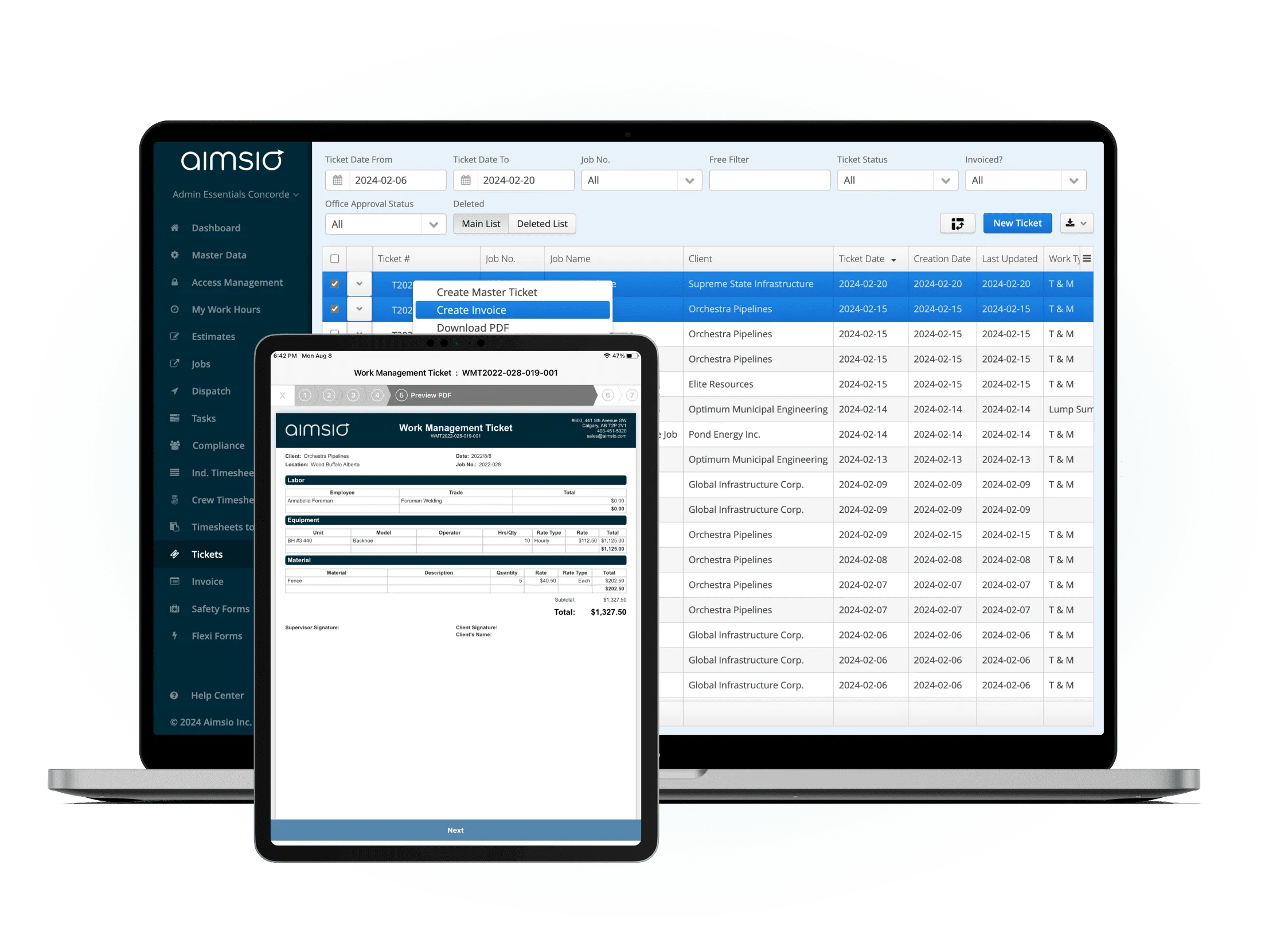
Before & After
What changes when you switch to Aimsio
Without digital field tickets
- Paper tickets get lost or damaged in the field - soggy, torn, or left in a truck cab. Revenue walks out the door with them.
- Illegible handwriting causes billing errors - office staff spend hours deciphering field notes and correcting mistakes before invoicing.
- Collecting client signatures delays billing - waiting days for a signature means waiting days to send an invoice.
- Field and office working from different data - data entry backlogs mean the office is always a step behind what happened on site.
With Aimsio Field Tickets
- Every hour captured digitally, at the job site - Crews log labour, equipment, and materials from any device, no paper to lose.
- Clean, complete records every time - Structured forms enforce required fields so tickets arrive at the office ready to invoice.
- Client approval before the crew leaves - On-screen signatures captured on site, so you can bill the same day.
- Field and office always in sync - Submitted tickets appear instantly, keeping billing and operations aligned in real time.
Core Capabilities
Everything you need to capture field work
From labour and equipment to client signatures - all captured digitally at the job site.
Digital Ticket Creation
Create field tickets directly from your phone or tablet at the job site. No paper, no double-entry. everything captured once in the system.
Labour & Equipment Capture
Record crew hours, equipment usage, and materials consumed directly on the ticket. Line items pulled from your price book automatically.
Client E-Signature
Have clients sign tickets on-screen before you leave the site. No more chasing approvals. billing starts the same day.
Photo Attachments
Attach site photos directly to tickets as supporting documentation. Images are stored with the ticket and accessible for billing disputes.
Real-Time Sync
Tickets submitted in the field appear instantly in the office. No waiting, no manual transfers. everyone sees the same data at the same time.
Approval Workflow
Route tickets through a structured approval chain before invoicing. Reviewers get notified, comments are tracked, and approvals are timestamped.
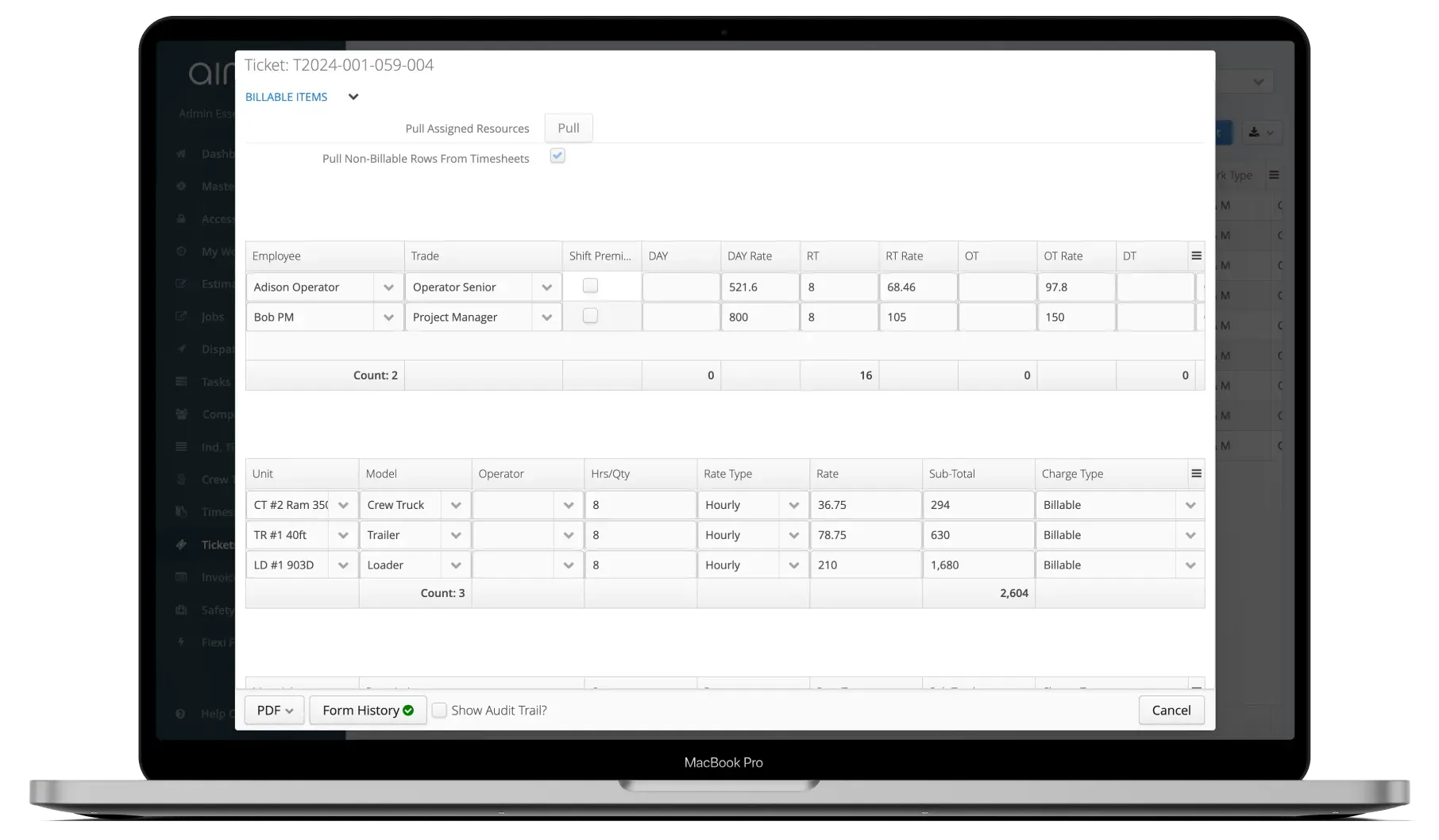
Create ticket in the field
Open a ticket on any device at the start of the job. Select the job, add crew members, equipment, and materials from your price book. Required fields ensure nothing gets missed.
- Works on phone, tablet, and browser
- Pulls rates directly from your price book
- Required fields prevent incomplete submissions
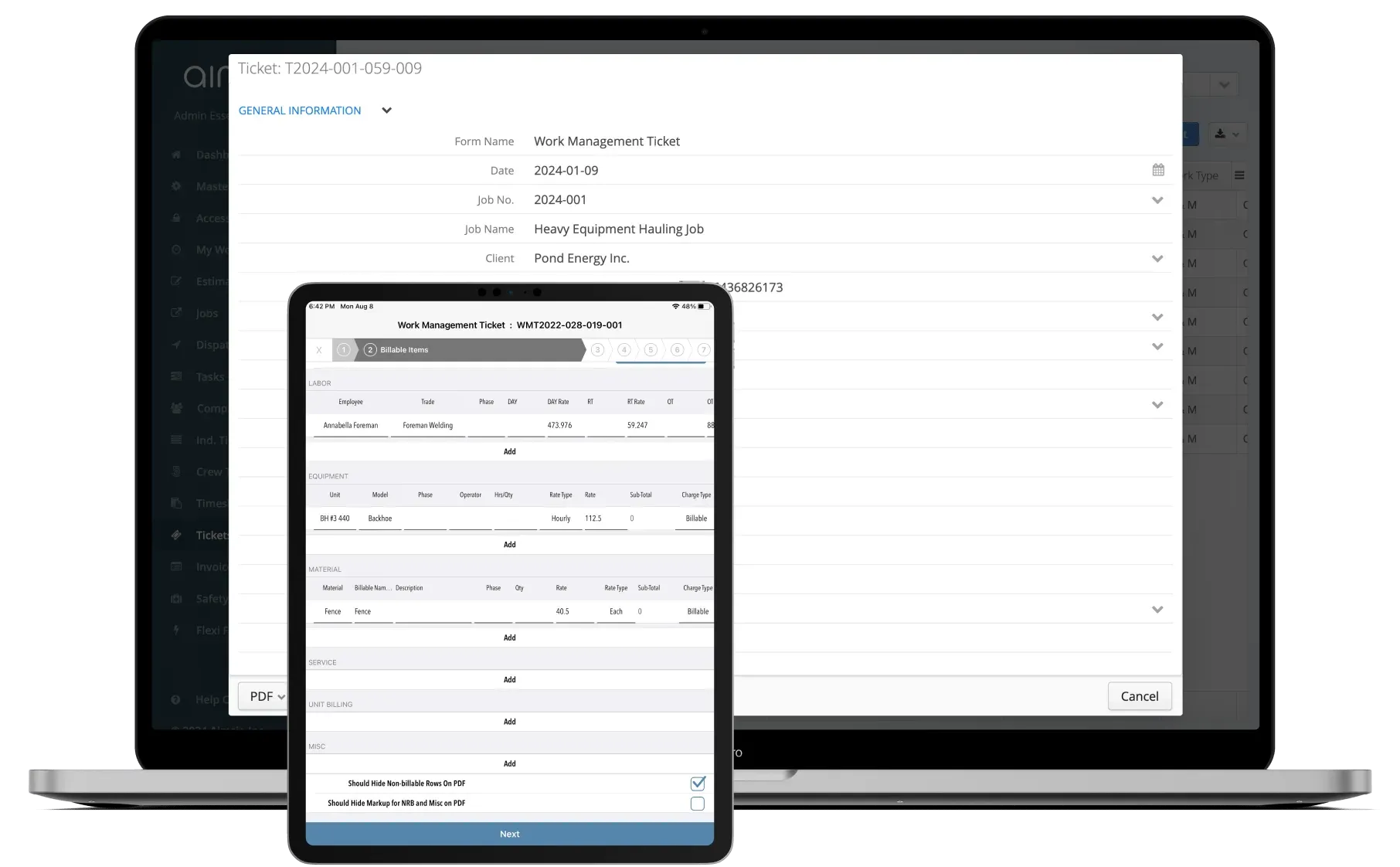
Capture signature and photos on-site
When the work is done, have the client or supervisor sign directly on the screen. Add site photos as supporting documentation - all attached to the ticket before you leave.
- On-screen signature capture
- Photo attachments stored with the ticket
- Ticket submitted before leaving the site
Approve and convert to invoice
Office staff review and approve submitted tickets from the dashboard. Once approved, convert tickets to invoices with one click - no re-keying, no delays, no lost data.
- Structured approval workflow
- One-click conversion to invoice
- Syncs to QuickBooks, Sage, and more
See It In Action
Field Tickets in the platform
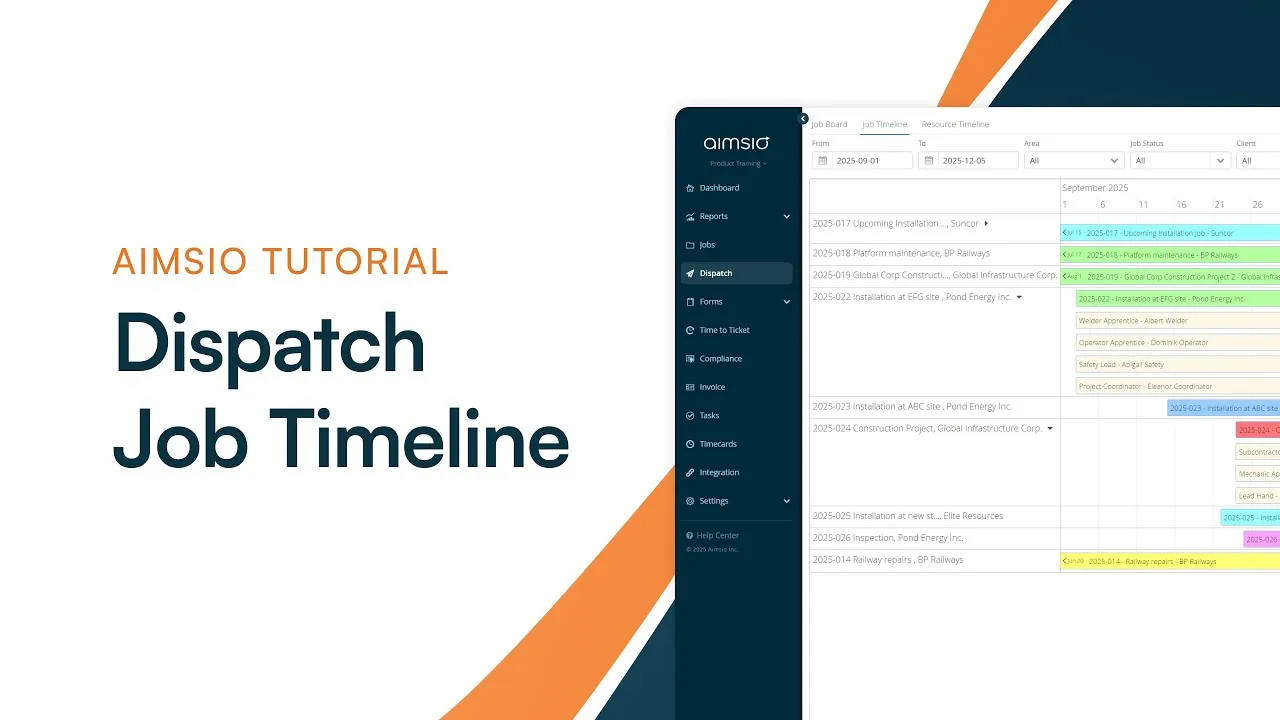
Watch how Aimsio field tickets work in a real field operations environment.
There's so much value in Aimsio. When we first started off, we were only using it to create field tickets from timesheets. We now use it for dispatch, job costing, estimates, and pre-trip inspections. I don't know how we'd function without Aimsio.

Integrations
Works with the tools you already use
Aimsio connects to your accounting, payroll, and ERP systems - so data flows without double-entry.
 QuickBooks Online
 Sage Intacct
 ADP
ADP Explorer Eclipse
 Sage 300
 NetSuite
 MS Nav
 MS Business Central
 Viewpoint Vista
 Acumatica
Frequently asked questions
A field ticket in Aimsio is a digital record of work performed at a job site. It captures the labour hours, equipment, and materials used during a shift, along with client signatures and photo attachments. Field tickets are the primary input for billing and are linked directly to jobs, timesheets, and invoices.
Yes. Aimsio works on any device with a browser - phone, tablet, or laptop. Field workers can create, complete, and submit tickets entirely from a mobile device without needing to install a separate app.
When the field ticket is complete, the field worker presents the device to the client or site supervisor. They sign directly on the screen using their finger or stylus. The signature is captured, timestamped, and stored permanently with the ticket - creating an unambiguous record of approval before the crew leaves the site.
Yes. Aimsio supports multiple ticket types - Field Tickets, LEMs (Labour, Equipment, Materials), and Daily Tickets. Each type can be configured to match your contract requirements and billing structure. Required fields can be enforced to ensure complete data capture every time.
Once a field ticket is reviewed and approved by the office, it can be converted to an invoice with a single click. All line items, rates, and quantities carry over automatically. Invoices can then be synced to your accounting system - QuickBooks, Sage, NetSuite, and others - without any manual re-entry.
Aimsio Field Tickets are used by companies in oilfield services, pipeline construction, civil construction, hydrovac, industrial maintenance, and transportation. Any field service business that tracks time and materials at job sites and needs a reliable paper-free billing process will benefit from digital field tickets.

Ready to stop leaving
revenue in the field?
See how Aimsio can transform your operations in a 30-minute demo.